Filming at night on iPhone used to mean grainy, smeary footage with street lights that blew out into white blobs. The iPhone 18 Pro is much better at it, but the phone is only half the answer. The other half is how you expose, light and move, and those habits are the same whether you are shooting a music video in Soho or a short film on a back street.
We shoot and rent iPhone kits for night work in London all the time. This guide is the checklist we actually use, with the settings, the reasons behind them and the mistakes we see most often when kits come back.
- Shoot 4K at 25 fps with a 1/50 shutter and stay on the main 1x (or 2x) camera, which opens to f/1.48.
- Lock exposure for the brightest thing you care about (a face, a sign, a flame) and let the rest fall away.
- Use HDR (HLG) by default, Apple Log only if you will grade and can expose it carefully.
- Light faces with a small LED off to the side, matched to the street light, rather than flat on the lens axis.
- Plan for cold batteries, focus hunting, traffic and permissions before you roll.
In this guide
- Why night footage goes wrong
- Settings that work after dark
- Exposure: protect the highlights
- HDR, SDR or Log?
- White balance and street light
- Lighting: practicals first, then a small LED
- Noise, focus and stabilisation
- ND filters at night: when you actually need one
- Power, cold and storage
- Safety, people and permissions
- A ten-minute night checklist
Why night footage goes wrong
Phones fail at night for a few predictable reasons, and nearly every bad clip we see comes down to one of them:
- Not enough light, so the phone raises the gain and the image fills with noise.
- Too much contrast, so a street light or headlight clips to white while faces sit in the dark.
- Auto everything, so exposure, focus and white balance drift mid-take and the shots will not cut together.
- Shake, because a slower shutter at night turns every small hand movement into blur.
- The wrong lens, because the telephoto and ultra wide gather less light than the main camera.
Fix those five and most of the difference between phone footage and camera footage at night disappears. The rest of this guide takes them one at a time.
Settings that work after dark
Here is the starting point we hand to customers who rent a kit for a night shoot. Adjust from here, but do not start from auto.
| Situation | App | Frame rate and shutter | Format | Notes |
|---|---|---|---|---|
| General night street scene | Camera app or Blackmagic Camera | 25 fps, 1/50 | 4K HEVC, HDR (HLG) | Lock AE/AF on the subject |
| Faces under one street light | Blackmagic Camera | 25 fps, 1/50 | 4K HEVC or ProRes, HLG | Lock white balance to the lamp |
| Fast action, chase | Camera app | 50 or 60 fps | 4K HEVC | Needs more light; add an LED |
| Fire, flares, bright practicals | Blackmagic Camera | 25 fps, 1/50 | ProRes or Apple Log | Expose for the flame |
| Heavy grade planned | Blackmagic Camera | 25 fps, 1/50 | ProRes, Apple Log | Expose a little brighter, then grade down |
Frame rate and shutter
At 25 fps the classic rule is a shutter of 1/50, half the frame interval, also called a 180 degree shutter. That gives natural motion blur and, at night, it also lets in twice as much light per frame as 1/100. Higher frame rates force a faster shutter, so 60 fps footage is darker and noisier in the same light. Only shoot 50 or 60 fps at night if you need slow motion and have light to spare.
The built-in Camera app picks the shutter for you. The free Blackmagic Camera app lets you set shutter angle or speed, ISO and white balance by hand, with false colour and zebras to check exposure. For anything that has to intercut, we use it.
Which lens
According to the Apple iPhone 18 Pro tech specs, the 48MP main camera has a variable aperture that opens to f/1.48. The ultra wide is f/2.2 and the 100mm telephoto is f/2.8. In practice that means the telephoto needs around three to four times as much light as the main camera wide open. At night, stay on 1x, or use the optical-quality 2x, which is a crop of the main sensor and keeps the bright aperture.
Exposure: protect the highlights
The single biggest change you can make is to expose for the brightest thing you care about, not for the average of the frame. At night the average is mostly black, so auto exposure brightens the whole picture, clips the lamps and fills the shadows with noise.
Here is how we do it:
- Point the phone at the face, sign or flame that matters.
- In the Camera app, press and hold on it to lock exposure and focus (AE/AF lock), then pull the exposure down slightly until the highlight has texture again.
- In Blackmagic Camera, turn on zebras and lower ISO or exposure until the important highlight stops striping.
- Let the rest of the street go dark. Darkness at night looks right. Grey, lifted shadows look like a phone.

On our Halloween short we exposed every fire shot for the flame. If you expose for the actor's skin, the flame becomes a white shape with no detail; expose for the flame and the face still reads because the fire lights it. The full shoot is written up in our Lime Bike case study, including the clip-by-clip data.
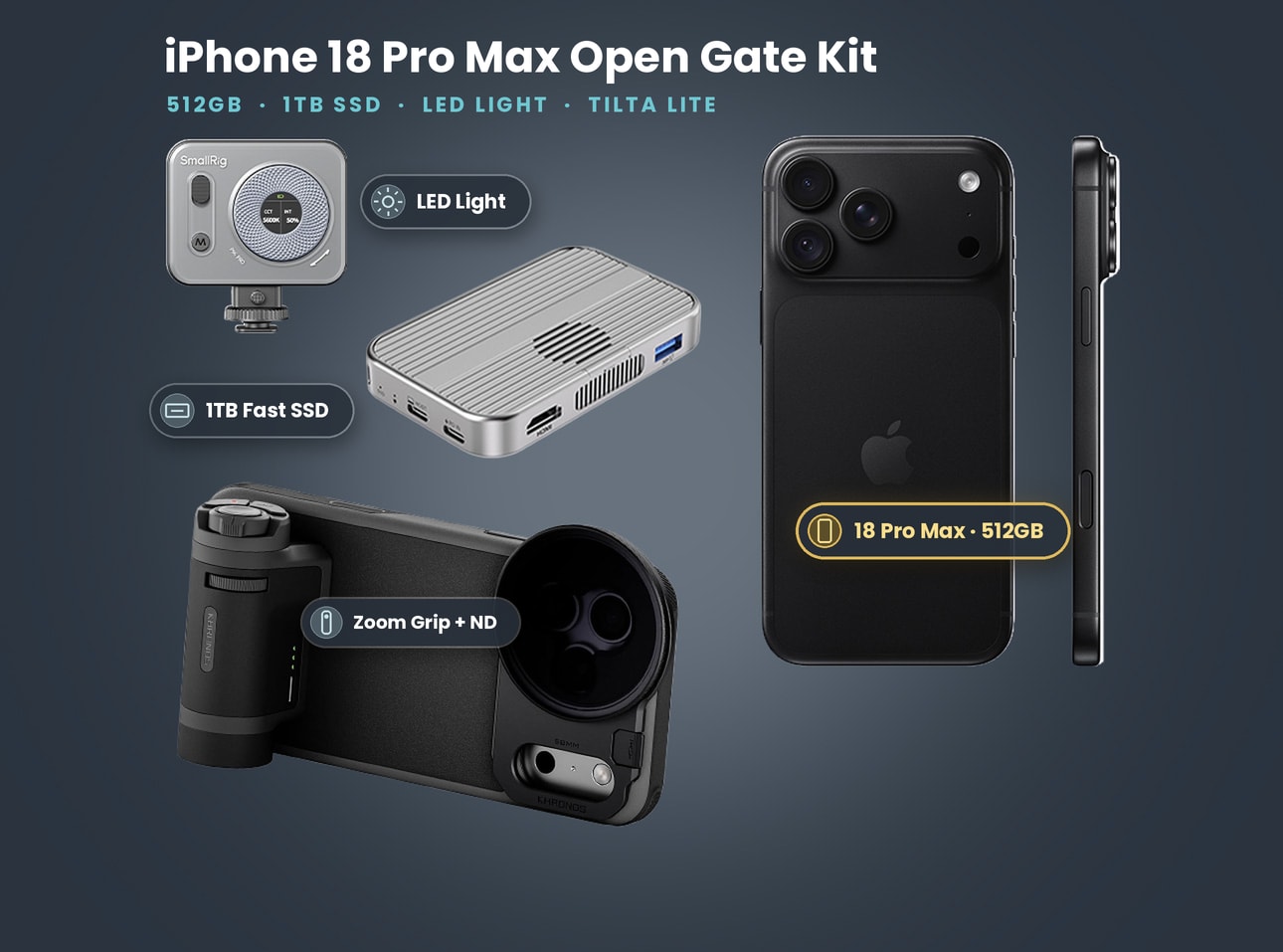
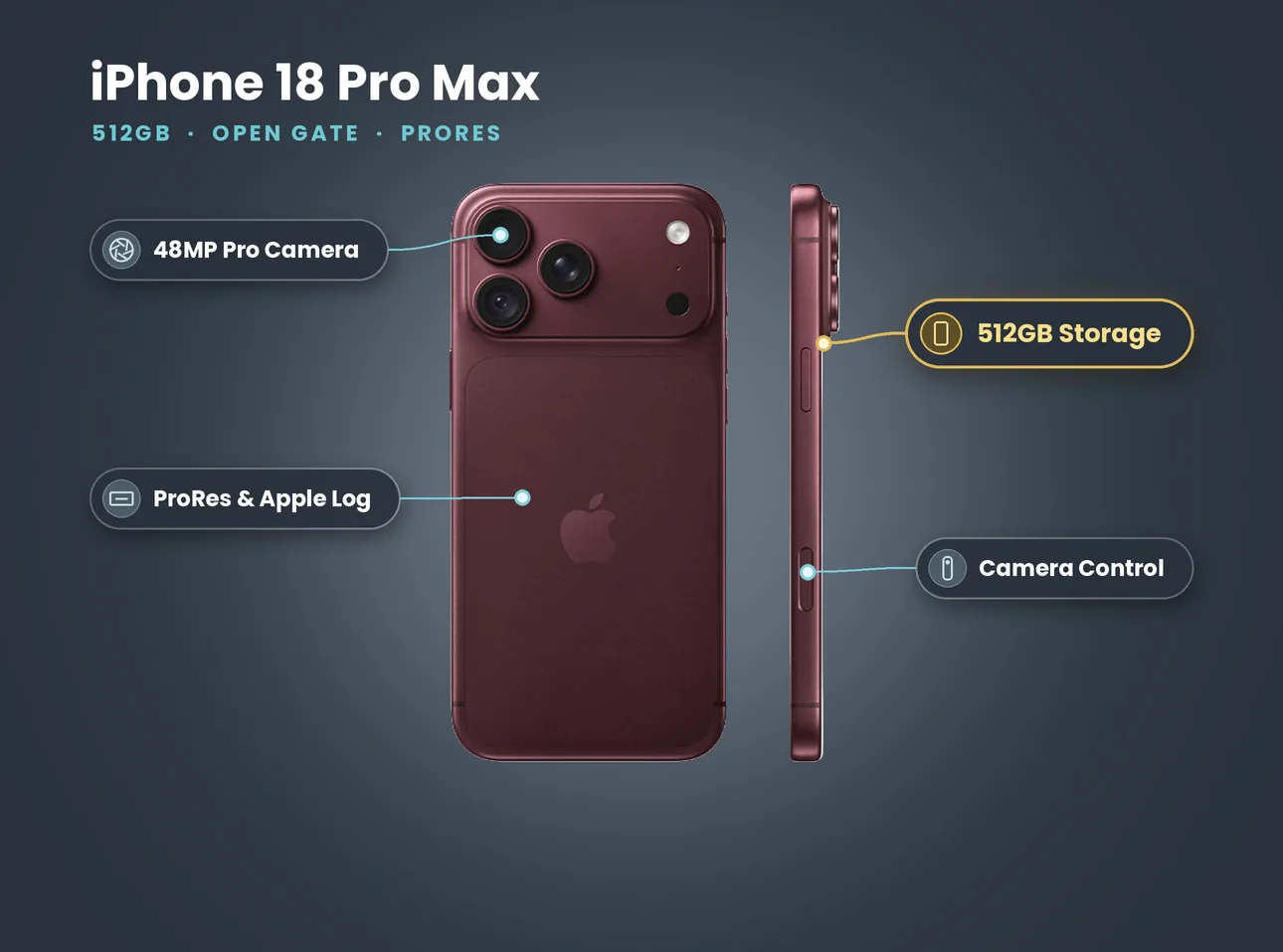
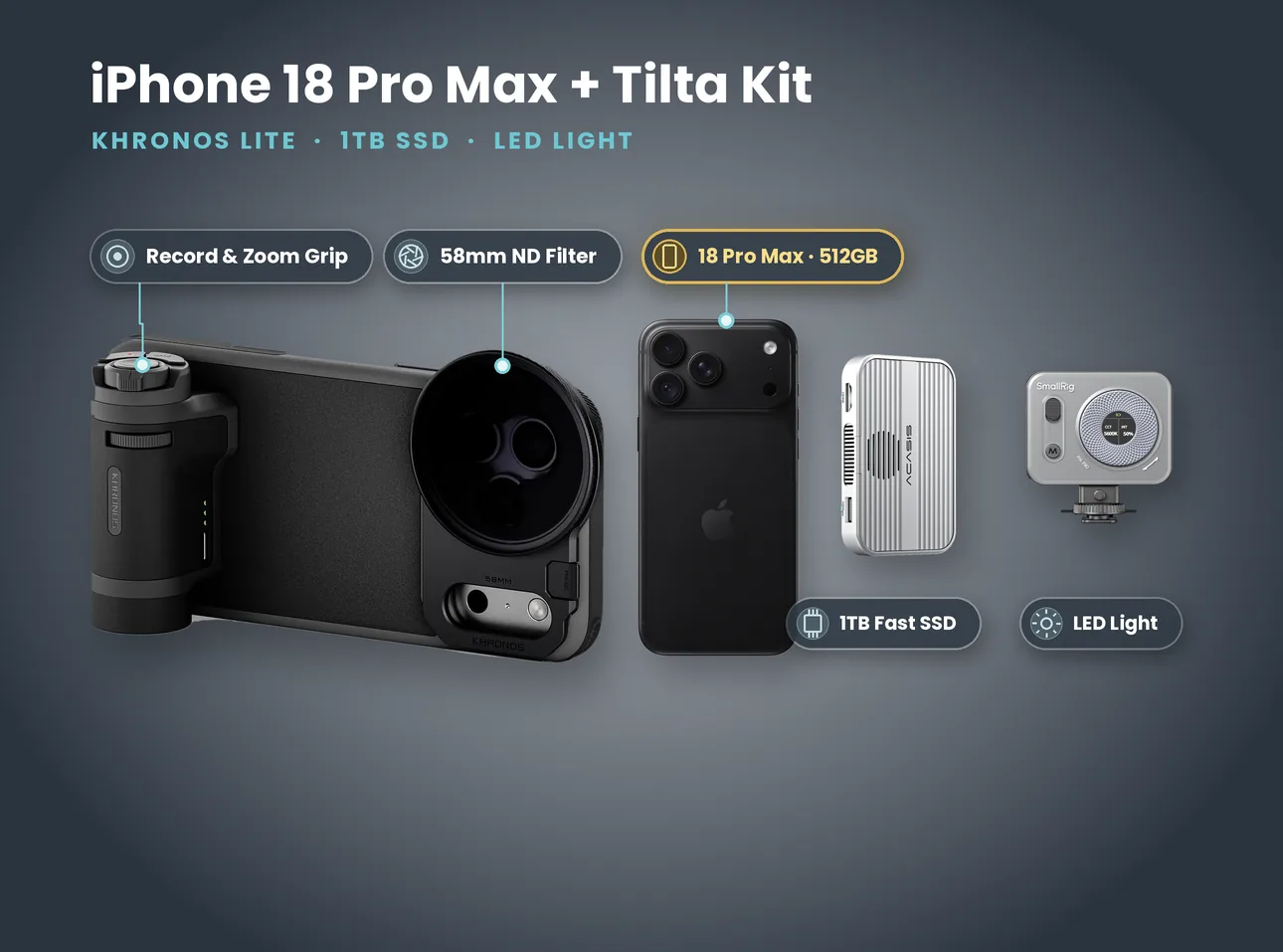
What's in the kit: iPhone 18 Pro Max 512GB + Tilta Khronos Lite, 1TB SSD & LED (Open Gate Kit)
- iPhone 18 Pro Max 512GB
- Tilta Khronos Lite case with Bluetooth zoom and record grip
- 58mm variable ND filter
- 1TB SSD for ProRes and Log
- Small LED light
Price on 27 October 2026: £110 a day, £300 for 3 days, £640 for 7 days. No deposit. Collect from Soho, Bethnal Green or Finsbury Park.
HDR, SDR or Log?
The iPhone 18 Pro records HDR video as Dolby Vision using HLG, and it can record Apple Log 2. Here is how we choose at night:
- HDR (HLG), the default. The best choice for most night shoots. Bright sources keep more detail before they clip, and you can grade it or deliver it as it is. Instagram, TikTok and YouTube all handle HDR uploads, and most editors convert HLG to SDR cleanly.
- SDR. Only if you need footage that looks the same on every screen straight out of the phone, for example a client who will post without editing. You give up highlight range.
- Apple Log. Flat, grey footage built for grading. It holds the most highlight detail, but it is unforgiving in the dark: underexpose Log and the noise comes up hard when you add contrast. If you shoot Log at night, expose a touch brighter than looks right, protect the brightest highlight, and grade down. Log is best recorded as ProRes, which is large; Apple's ProRes support page lists the rules for recording it to an external SSD.
Our rule: HLG for the bulk of the night, Log for the two or three hero shots you will spend time grading.
White balance and street light
London street light is mixed. Older sodium lamps glow a deep orange, newer LED street lights are whiter and often cooler, shop fronts and signs add their own tints, and a bike or car headlight is cooler again. Auto white balance tries to average all of that and shifts every time the frame moves.
- Lock it. In Blackmagic Camera, set a fixed Kelvin value. Around 3200K to 4000K is a good starting point for warm lamps; go higher under cool LED lights.
- Pick a dominant source and let the others contrast. If the street lamp is your key, balance for it and let the cooler headlight or sign read as a different tone. That contrast is what makes night look like night.
- Match your LED to the street. A bi-colour LED set close to the lamp's temperature blends in. A daylight LED next to a warm lamp looks like a phone torch.
Lighting: practicals first, then a small LED
Use what is already there
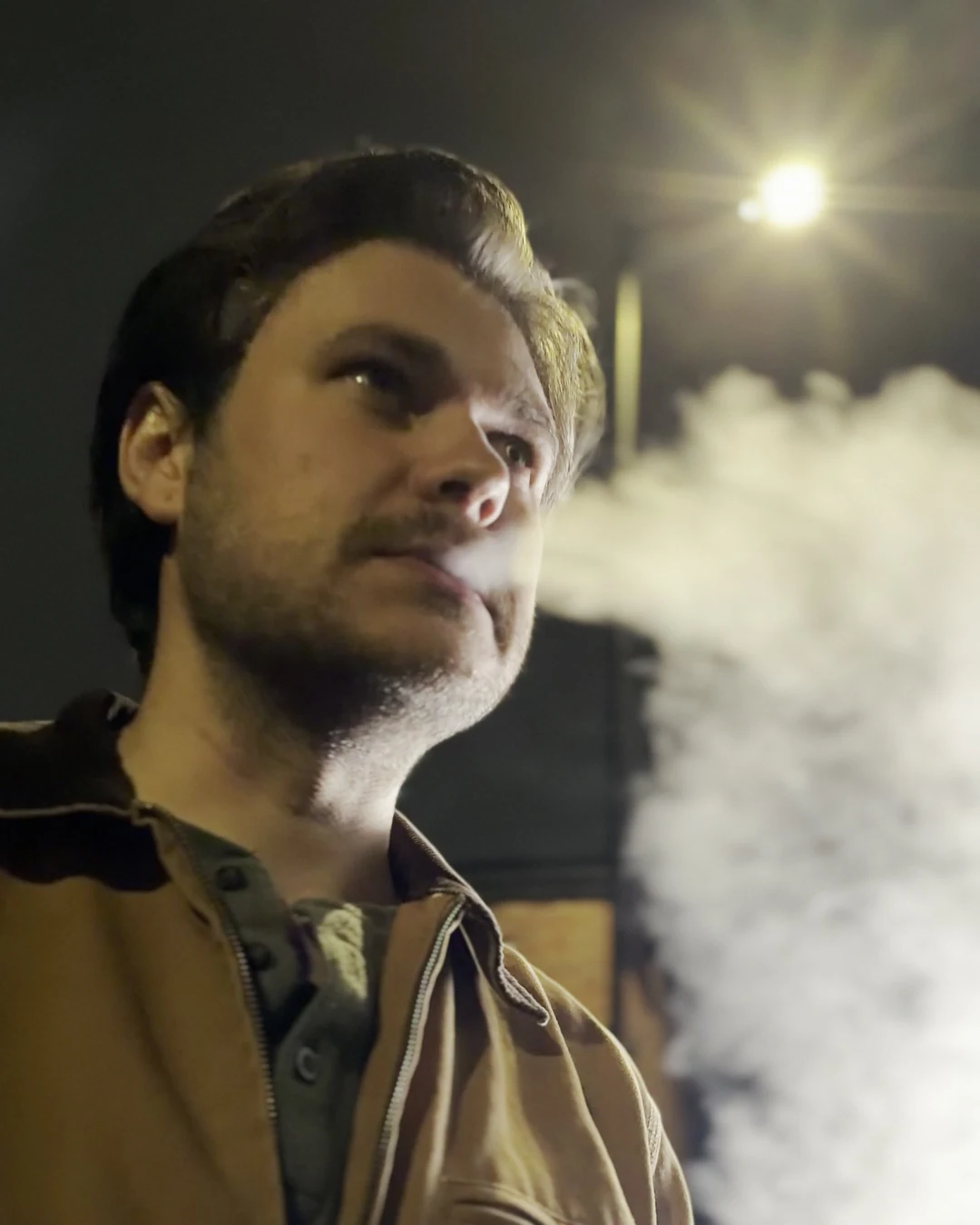
Before adding a light, look for practicals: street lamps, shop windows, a lit bus stop, headlights, phone screens. Put your subject where one of them does the work. A face turned slightly towards a lamp, with the lamp just out of frame, is often all a night close-up needs. A light behind the subject (backlight) separates them from a dark background and makes smoke, rain and breath glow.
Add a small LED, off to the side
When there is no practical, add one light and keep it subtle:
- Off the lens axis. An LED on top of the phone gives flat, harsh light and a bright nose. Ask someone to hold it 45 degrees to one side and a little above eye level.
- Low output. Start dim and raise it until the eyes have life. If the face looks lit, it is too bright.
- Bounce or diffuse it. Even a white wall or a sheet of paper softens a small LED.
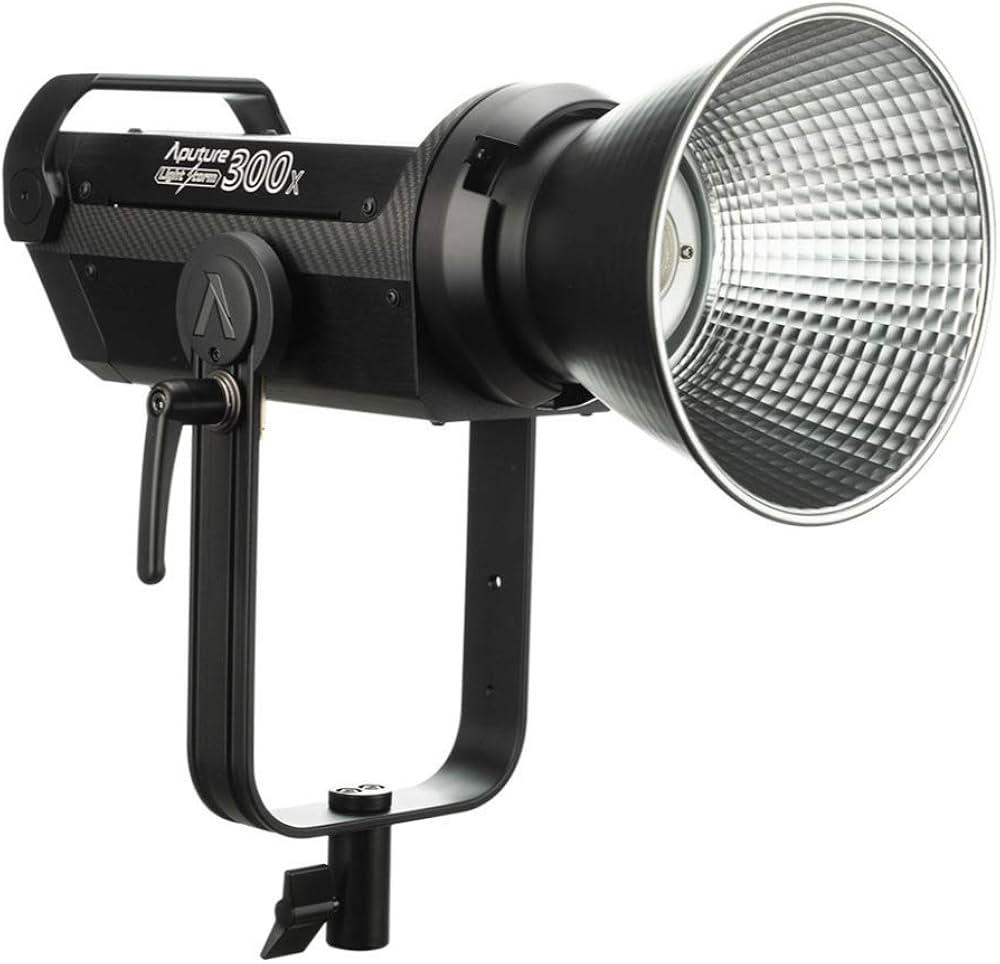
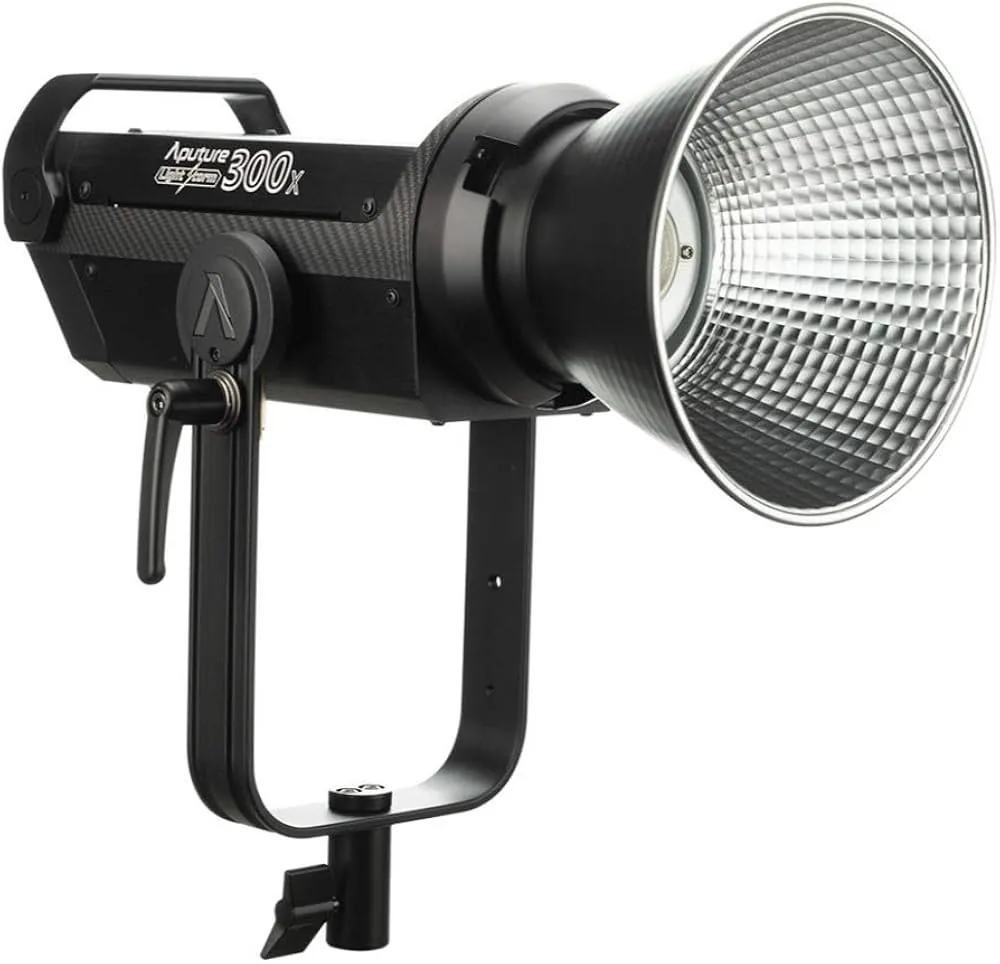
For bigger set-ups, such as a music video in an alley, a monolight like the Aputure LS 300X (£55 a day, £330 for 7 days) can backlight a whole street corner. It needs power and a stand, so plan for both.
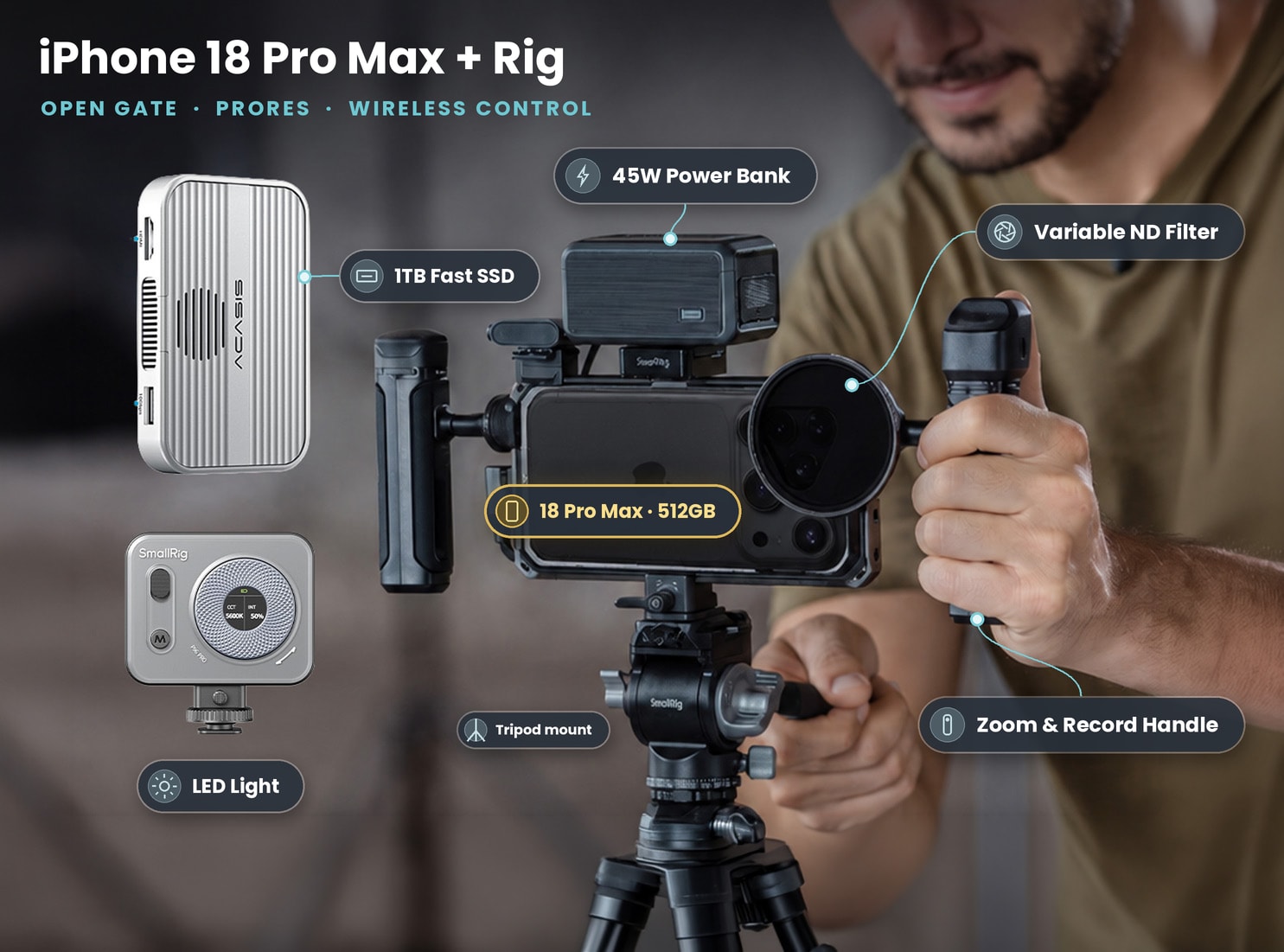
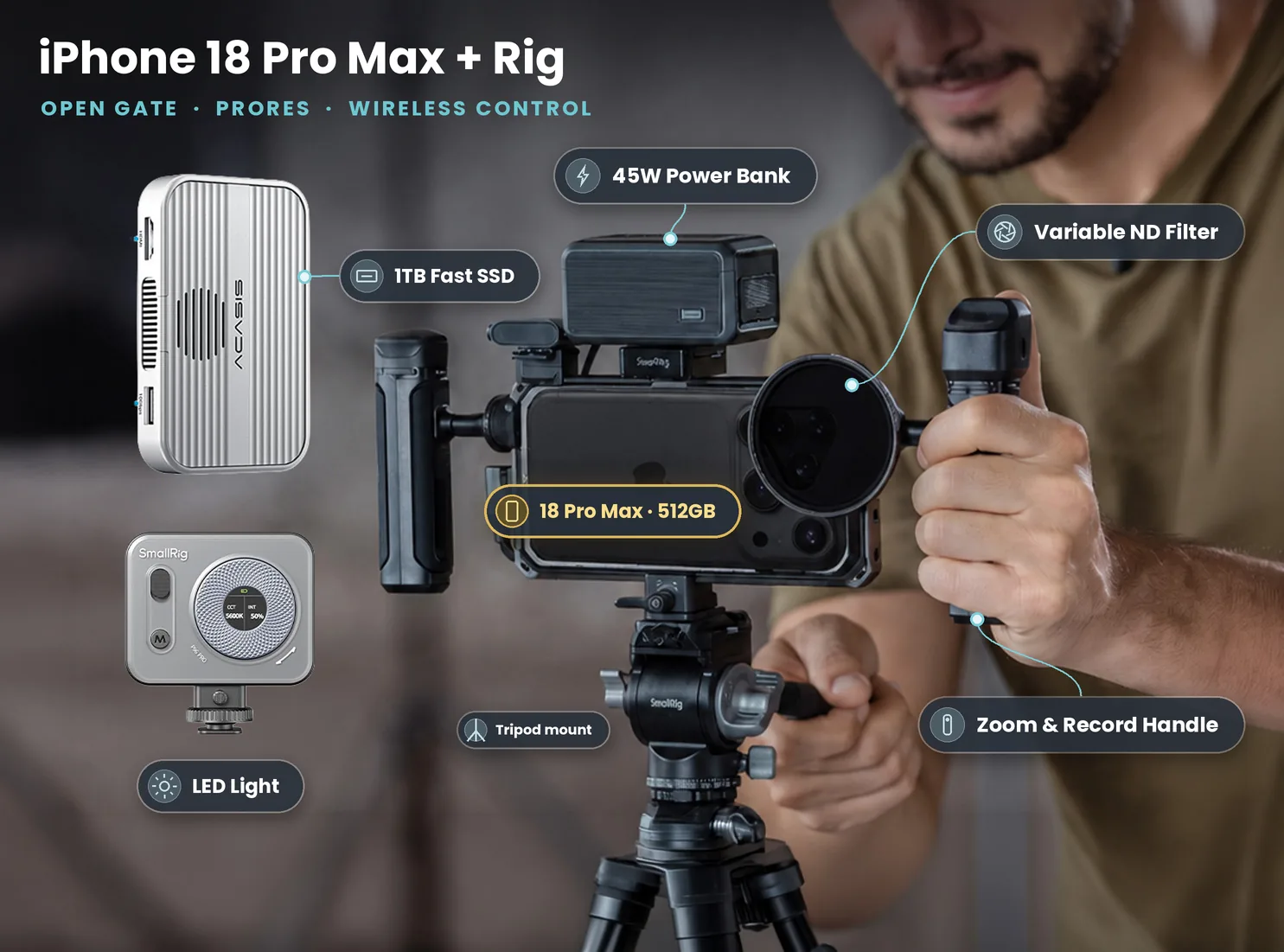
Shooting at night this week? Book the full rig with LED, ND, SSD and power bank. Book the iPhone 18 Pro Max + SmallRig Rig, 1TB SSD, ND & LED
Noise, focus and stabilisation
Keep noise down
- Add light before you add brightness. Every stop you lift in the edit lifts the noise with it.
- Do not lift true shadows. Let the black parts of the frame stay black.
- Avoid digital zoom. Zooming past the optical-quality steps throws away resolution and makes noise bigger.
- Clean it in post if you must, with your editor's noise reduction, lightly. Heavy noise reduction makes faces waxy.
Stop the focus hunting
In low light the phone hunts for focus, especially when smoke, rain or a passer-by crosses the frame. Tap to focus on your subject, lock it, and only unlock if the distance changes. In Blackmagic Camera, use manual focus with focus assist and set it on the eyes.
Hold it steady
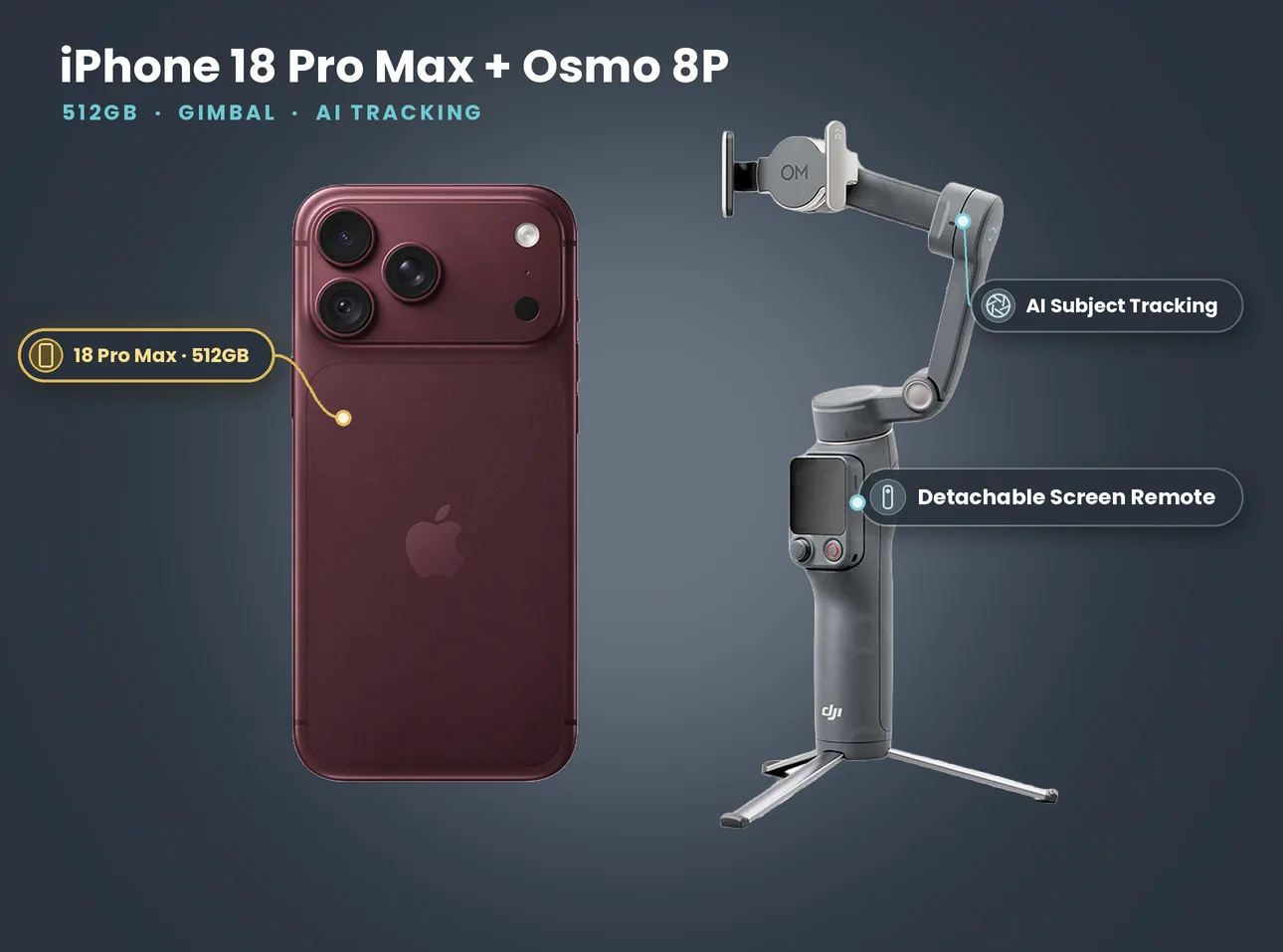
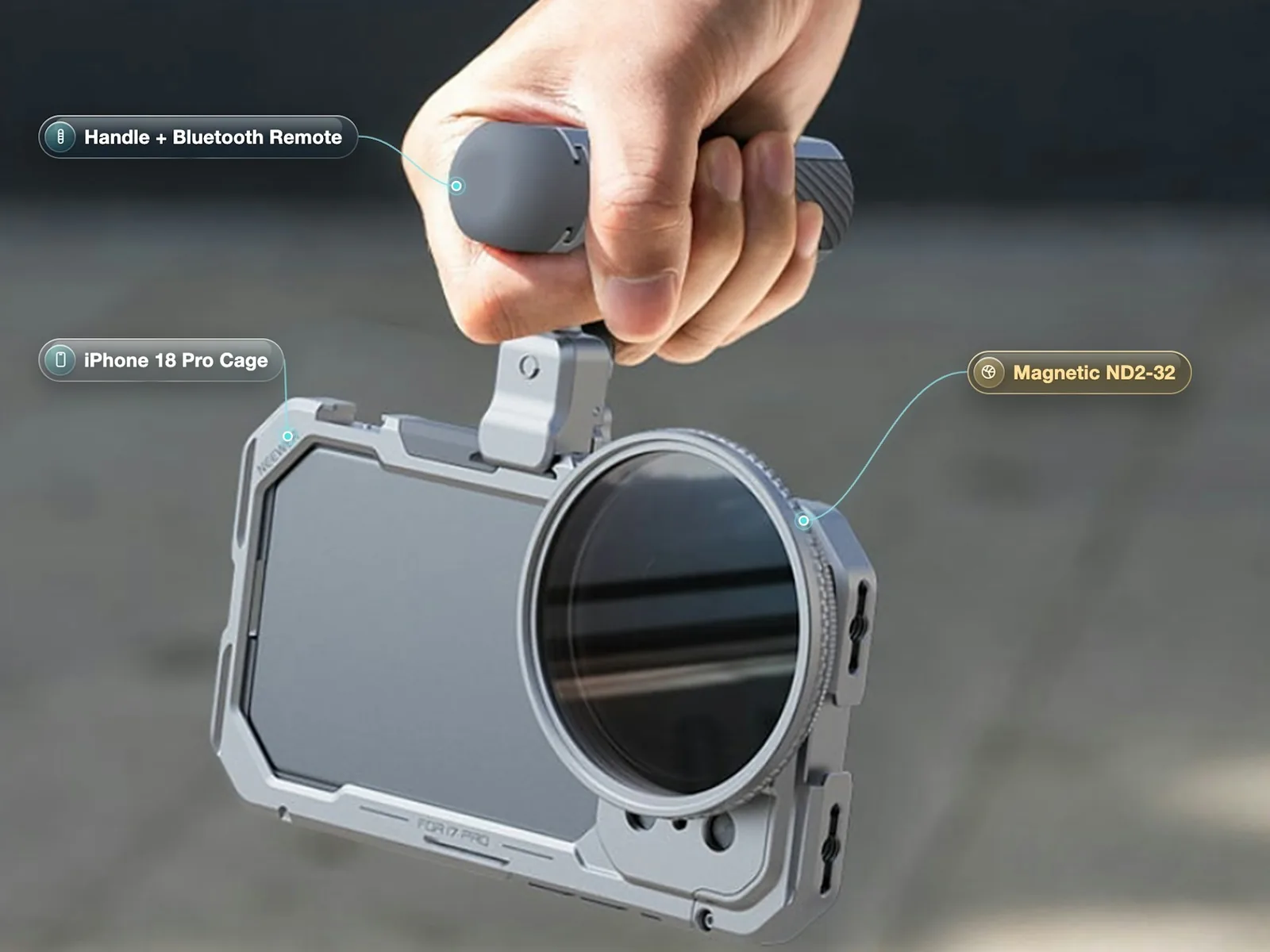
At 1/50 any shake becomes blur. Sensor-shift stabilisation helps, but your hands matter more. A cage with handles lets you hold the phone close to your body, a gimbal smooths walking shots, and a tripod is best for anything static. A Bluetooth remote, like the one on our iPhone 18 Pro cage handle with magnetic ND (£25 a day, £120 for 7 days), lets you start recording without touching the screen and nudging the frame.
ND filters at night: when you actually need one
Most nights, you do not. An ND filter cuts light, and at night light is the thing you are short of. There are two exceptions:
- Bright practicals in the Camera app. Under a lit shop front or a big sign, auto exposure may push the shutter well past 1/50 to avoid clipping, and motion starts to look choppy. A light ND brings the shutter back down.
- Fire and flares. With real fire in the frame, a variable ND lets you hold a normal shutter while keeping detail in the flame.
If you are not sure, leave the ND in the bag. Our kits include a variable ND for daylight and these edge cases.
Power, cold and storage
- Cold drains batteries. On a cold night a phone recording 4K HDR runs down noticeably faster. Apple quotes up to 43 hours of video playback on the Pro Max and 34 on the Pro, but recording is much harder work than playback. Keep a power bank on the rig and the phone in a pocket between set-ups.
- ProRes and Log fill storage fast. On our own night shoot, ProRes HQ at 4K 25 fps ran at about 5 GB a minute, against about 0.3 GB a minute for HEVC. If you plan more than a few minutes of ProRes, bring an SSD.
- Turn on airplane mode. Notifications and calls interrupt a take at the worst moment.
Safety, people and permissions
Night shoots carry more risk than day shoots, and a phone rig makes it easy to forget you are a crew.
- Traffic. Have one person whose only job is watching for cars and bikes when anyone is in or near the road. Wear something visible.
- Roads and pavements. Transport for London asks you to contact it before filming on roads, pavements, bus stops or parking bays. Keep stands and bags off the walking line.
- Boroughs and residents. Film London's code of practice sets out how to film considerately, and borough film services decide what needs a permit. Keep noise down near homes late at night.
- Fire, smoke and stunts. Only with a qualified person, permission and a written safety plan. Never improvise a fire shot.
- People in shot. Recognisable passers-by in your footage are personal data. Ask, blur or reframe.
- Kit security. A lit phone screen on a dark street draws attention. Keep a hand on the rig and a crew member near the bags.
A ten-minute night checklist
Before the first take, run through this:
- Airplane mode on, storage checked, power bank charged.
- App chosen: Camera app for speed, Blackmagic Camera for control.
- 4K, 25 fps, HDR (or Log for hero shots), shutter at 1/50 where you can set it.
- Main camera at 1x or 2x.
- White balance locked to your key source.
- Exposure locked for the brightest thing you care about.
- Focus locked on the eyes.
- LED placed off-axis and dimmed, or a practical chosen.
- Rig in hand, remote paired, frame level.
- Traffic watcher briefed, pavement clear.
Ready to try it? See every London kit on camera hire London, and check how collection and return work before your shoot.
- Short film shot on iPhone 18 Pro: Lime Bike: the full night shoot, clip by clip.
- iPhone open gate recording: SSDs, ProRes and when open gate is worth it.
- iPhone music video rig: cage, ND and LED setups for performance shoots.
- iPhone 18 Pro vs Pro Max for filmmaking: which phone suits long night shoots.
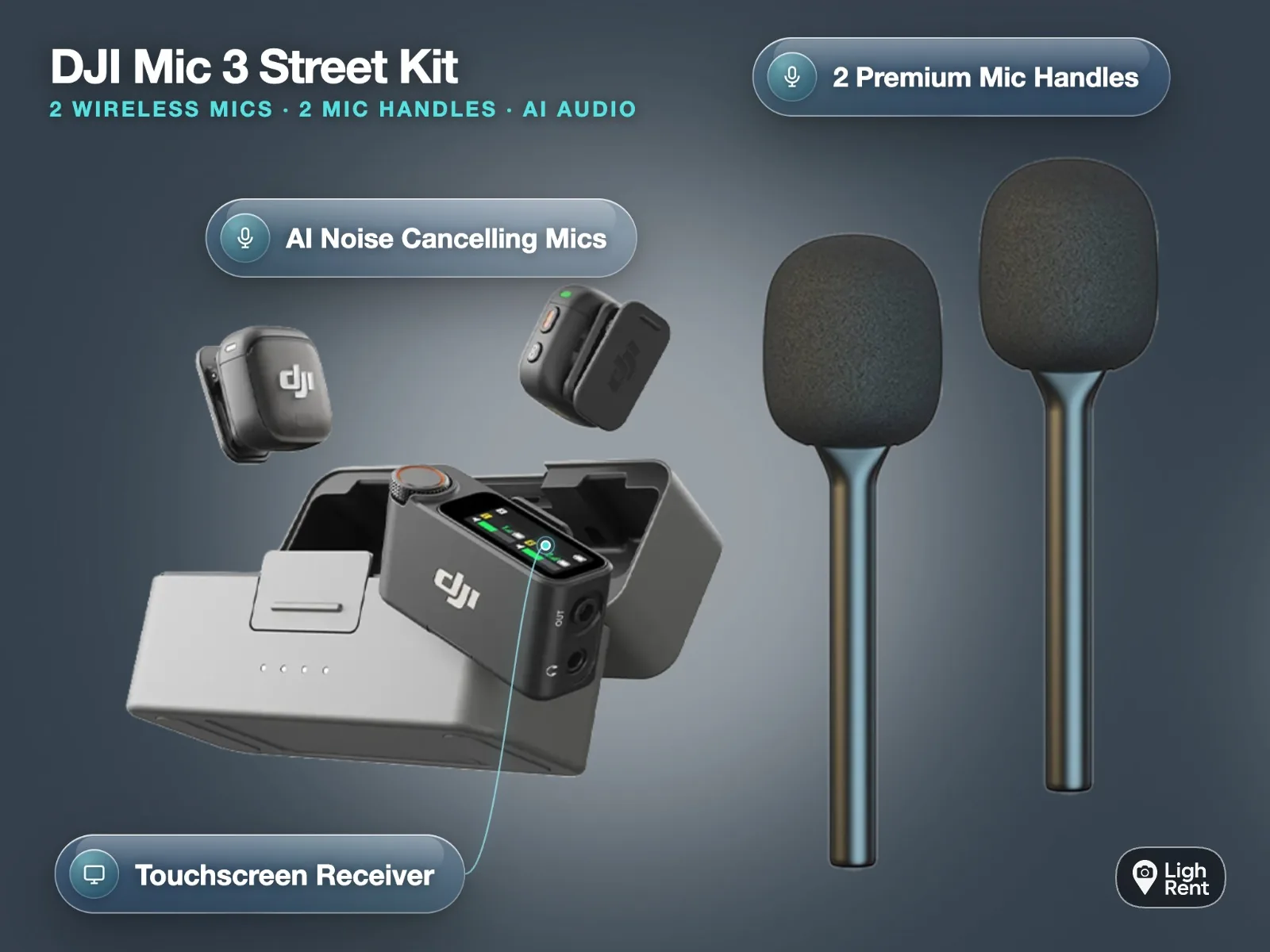
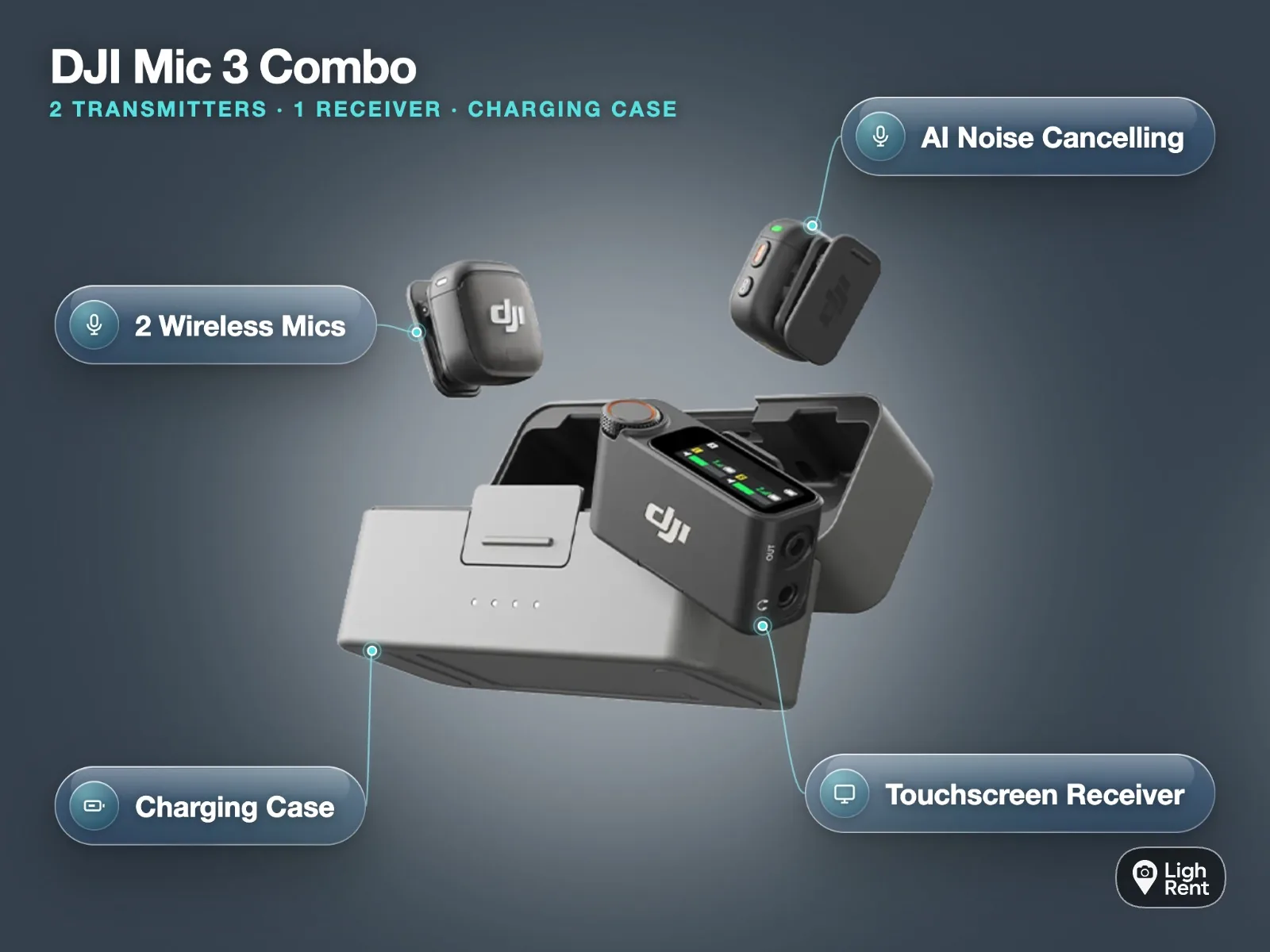
- Street interview kit for iPhone: mics and light for vox pops after dark.
Light, rig and storage in one bag. Collect from Soho, Bethnal Green or Finsbury Park. Book the Open Gate Kit with LED and SSD