The most common audio problem on iPhone shoots is not the mic. It is that people hear "32-bit float" and assume the audio side is now automatic. It is not. It removes one specific problem, clipping, and leaves every other problem exactly where it was.
- 32-bit float on the DJI Mic 3 happens inside each transmitter. It means the recording cannot clip, so you can set gain later. It does not fix wind, distance or a badly placed mic.
- Run two paths every time: the receiver into the iPhone's USB-C as your live track, and internal 32-bit float on each transmitter as the safety copy.
- Set the live track so speech peaks around -12 dBFS. Clap once at the start of each take and sync by waveform in DaVinci Resolve.
- Placement beats any setting: mid chest, a hand's width below the chin, away from zips, with a furry windshield outdoors.
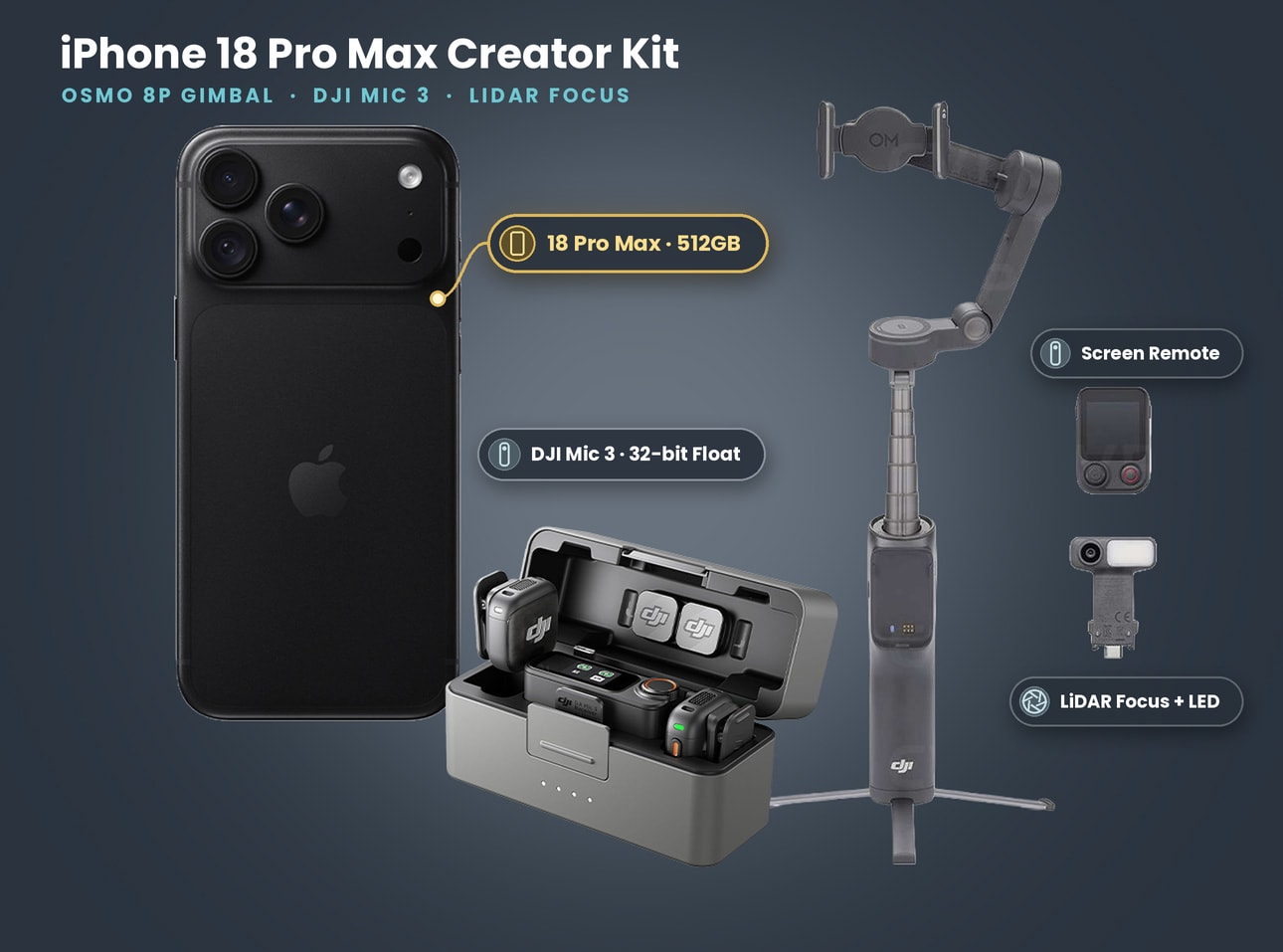
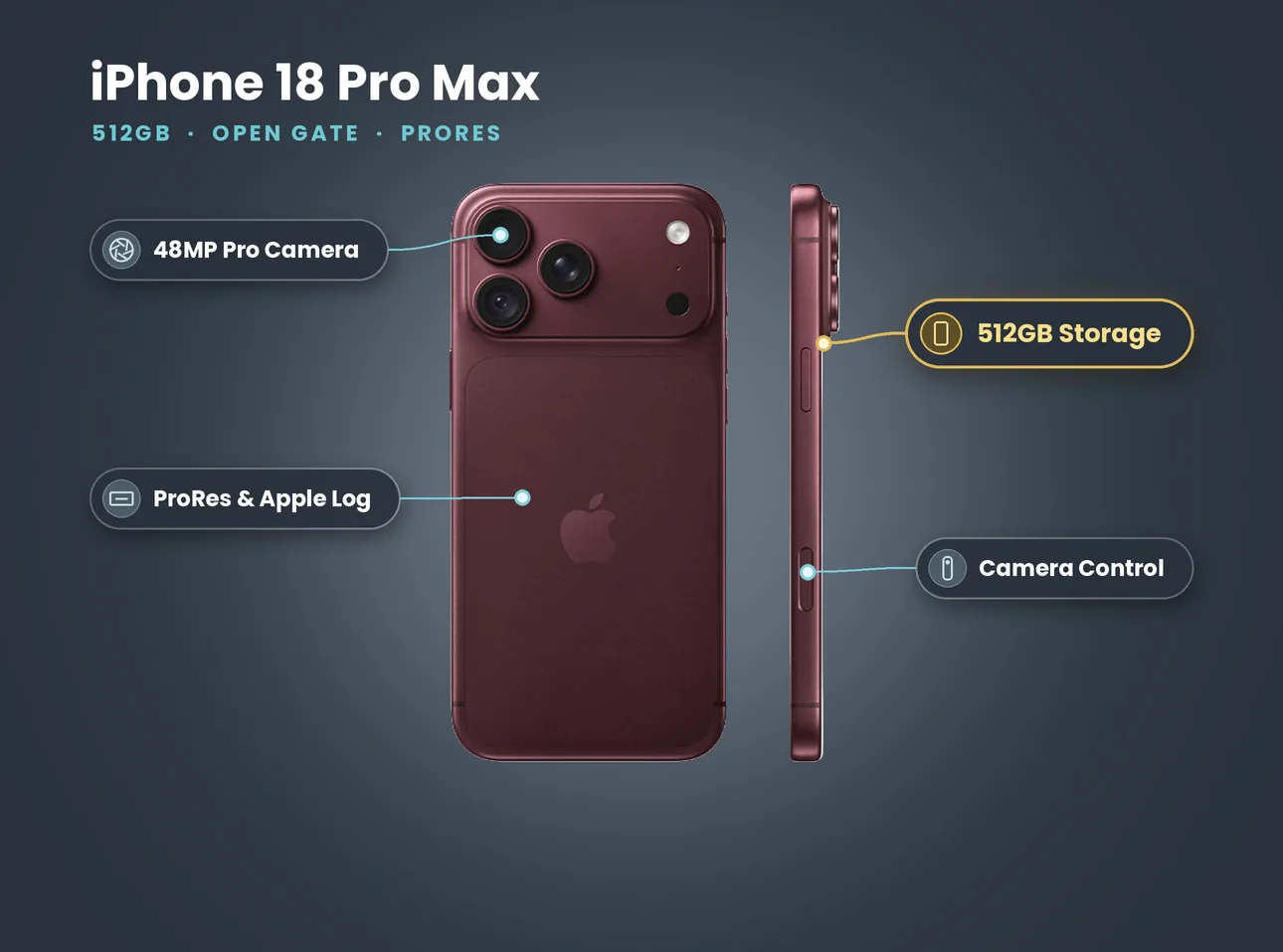
- Our iPhone 18 Pro Max kit with Osmo 8P and Mic 3 is £125 a day (prices on 27 October 2026, no deposit).
In this guide
- What 32-bit float actually solves
- What 32-bit float does not solve
- The two-path workflow we use on every job
- Step-by-step setup before you roll
- Levels: what to aim for on the live track
- Mic placement and wind
- Syncing the 32-bit float files in the edit
- Settings cheat sheet for iPhone 18 Pro + DJI Mic 3
- Common mistakes to avoid
- Which DJI Mic 3 kit to rent
What 32-bit float actually solves
A normal 24-bit recording has a ceiling. If someone laughs, shouts or a door slams and the signal goes over 0 dBFS, the top of the waveform is cut off. That distortion is baked in. No plug-in can put back what was never recorded.
A 32-bit float file stores the signal in a way that has, for practical purposes, no ceiling inside the file. If a peak goes "over", the information is still there and you can turn the whole clip down in the edit and get a clean waveform back. The same is true at the quiet end: a soft voice recorded low can be raised without the steps and grain you would get from boosting a quiet 16-bit or 24-bit file.
On a phone shoot that means two things:
- You stop guessing gain before a take. A whisper and a shout in the same scene no longer force a compromise level.
- Surprises survive. A scream, a crowd cheer, a bus horn mid-sentence: the voice either side of the peak is still usable.
DJI lists the Mic 3 at 48 kHz with 32-bit float or 24-bit, switchable, on its official specs page. Make sure the transmitters are actually set to 32-bit float before you leave the house. It is a menu setting, and it is easy to leave it on 24-bit after a previous job that wanted smaller files.
What 32-bit float does not solve
This is the part that catches people out. 32-bit float protects the recording from distortion. It does nothing about what goes into the microphone.
| Problem | Does 32-bit float fix it? | What actually fixes it |
|---|---|---|
| Voice clipping on a shout | Yes, in the transmitter file | Turn the clip down in the edit |
| Very quiet speaker | Mostly | Raise the clip; move the mic closer next time |
| Wind rumble and buffeting | No | Furry windshield, turn the person's back to the wind |
| Traffic, sirens, crowd noise | No | Mic closer to the mouth, pick a quieter spot, noise reduction in post |
| Clothing rustle and zip clicks | No | Re-clip the transmitter, tape down loose fabric |
| Echo in a stairwell or empty room | No | Move, add soft furnishings, mic closer |
| Live iPhone track clipping | No, that track is not 32-bit float | Lower the receiver output before you roll |
| Lost wireless signal | Partly, the transmitter keeps recording | Keep line of sight, stay well inside range |
The last two lines are the reason we never rely on the phone track alone. The receiver's signal into the iPhone is an ordinary audio track at whatever level you send it. If it is too hot, it clips like any other recording. If someone walks behind a bus and the wireless link drops, the phone track has a gap. The transmitter's own 32-bit float file has neither problem, because it never left the person's chest.
The two-path workflow we use on every job
Think of it as a live track and a safety track.
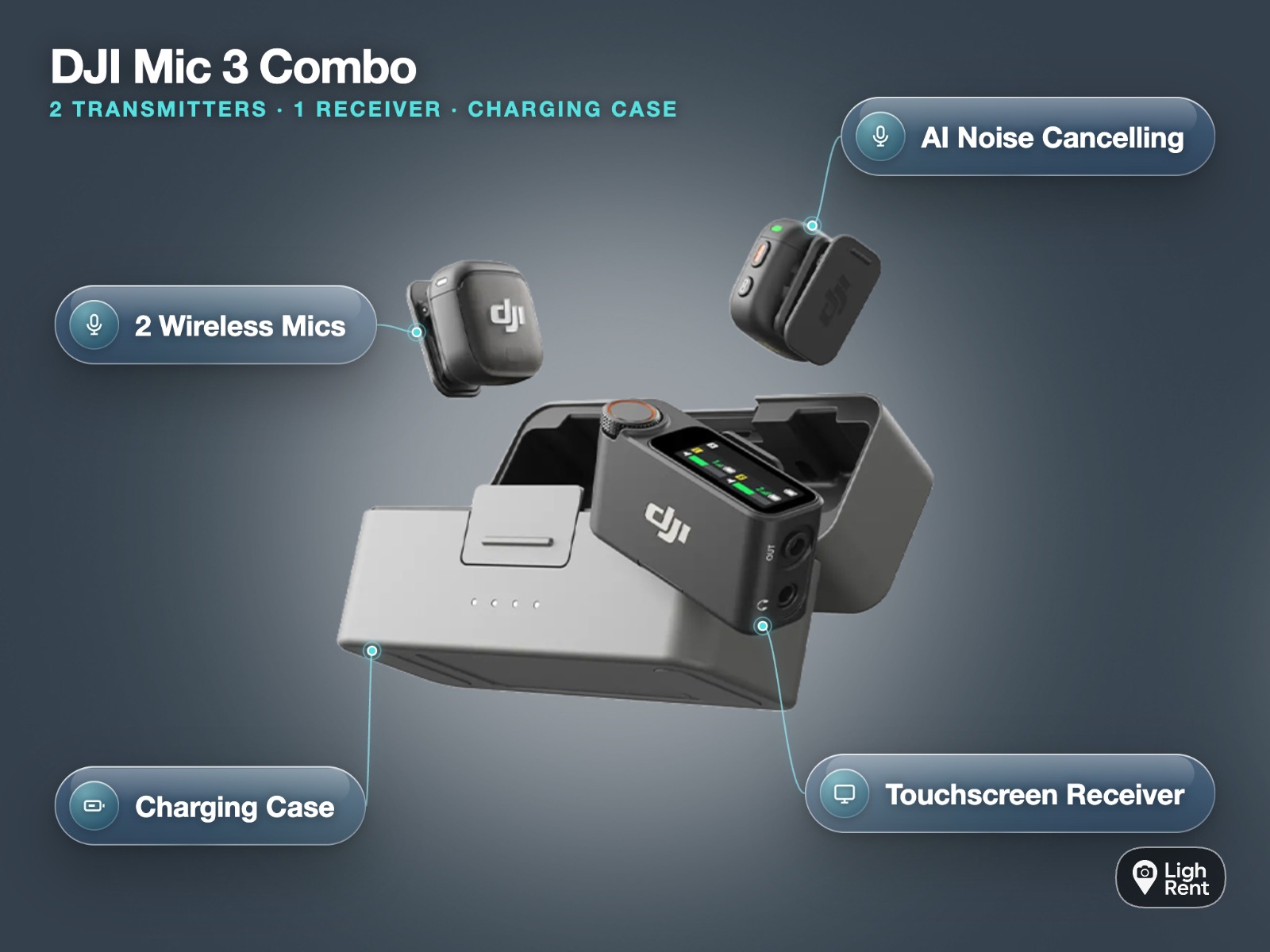
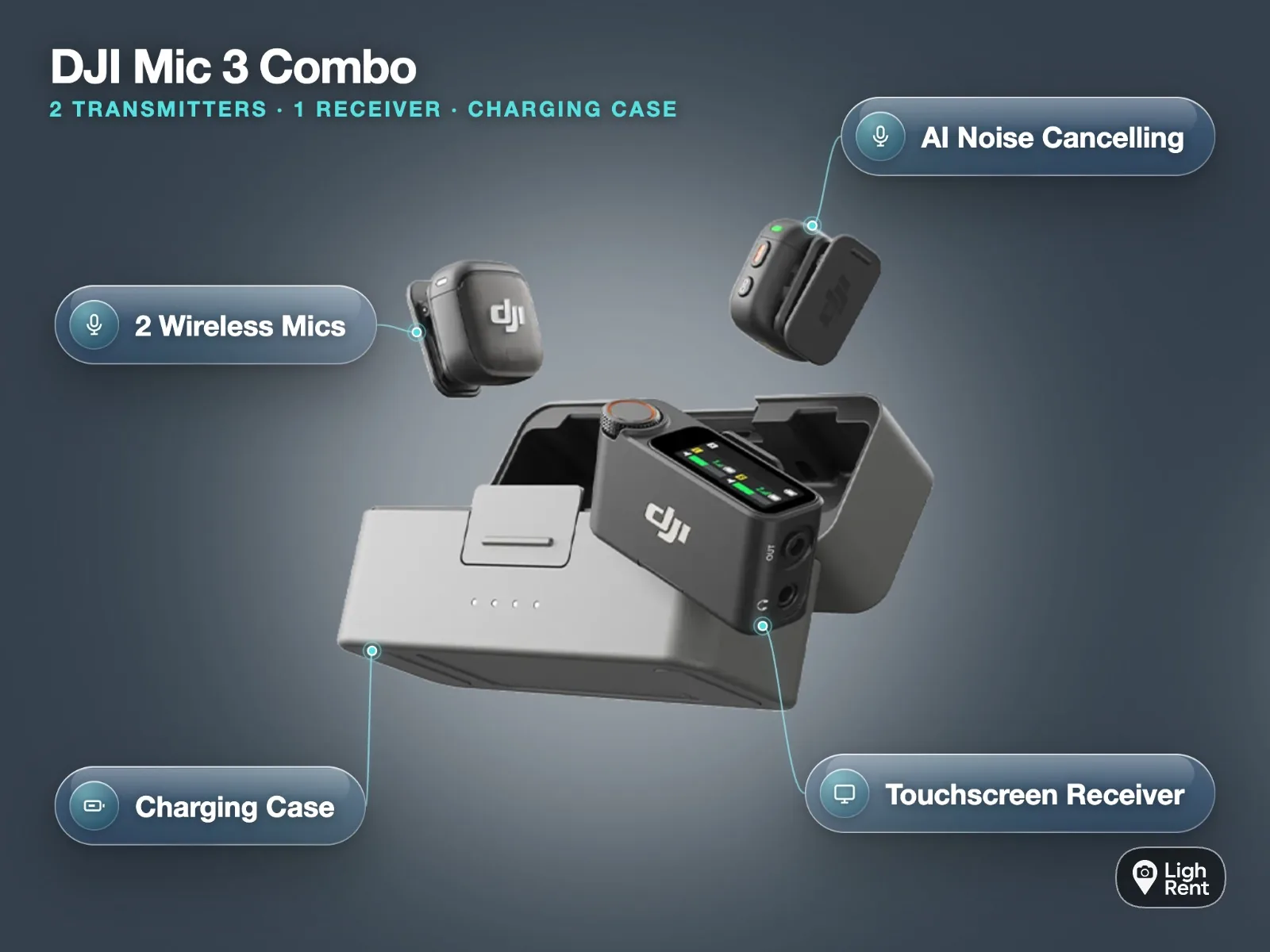
Path one: the receiver into the iPhone. The DJI Mic 3 receiver plugs into the iPhone 18 Pro or Pro Max over USB-C, and the phone records that signal with the video. This gives you picture and sound in one file, which is perfect for quick social edits, for checking a take on set and for anything you need to deliver the same day. DJI does not document a direct Bluetooth link from the Mic 3 transmitters to an iPhone, so the receiver is the route.
Path two: internal recording on each transmitter. Each transmitter records its own 32-bit float file at the same time. DJI quotes 43 hours of 32-bit float in single-file mode and 21.5 hours in dual-file mode, so storage is not the limit on a normal day. Battery is: DJI rates the system at about 8 hours with two transmitters and one receiver, with noise cancellation and internal recording off, so plan for less with recording on and top up from the case at lunch. The charging case holds enough to refill two transmitters and the receiver about 2.4 times.
When the edit is simple and the live track is clean, you use path one and never open the transmitter files. When anything went wrong, from a shout to a dropout, you drop in path two and nobody watching will know.
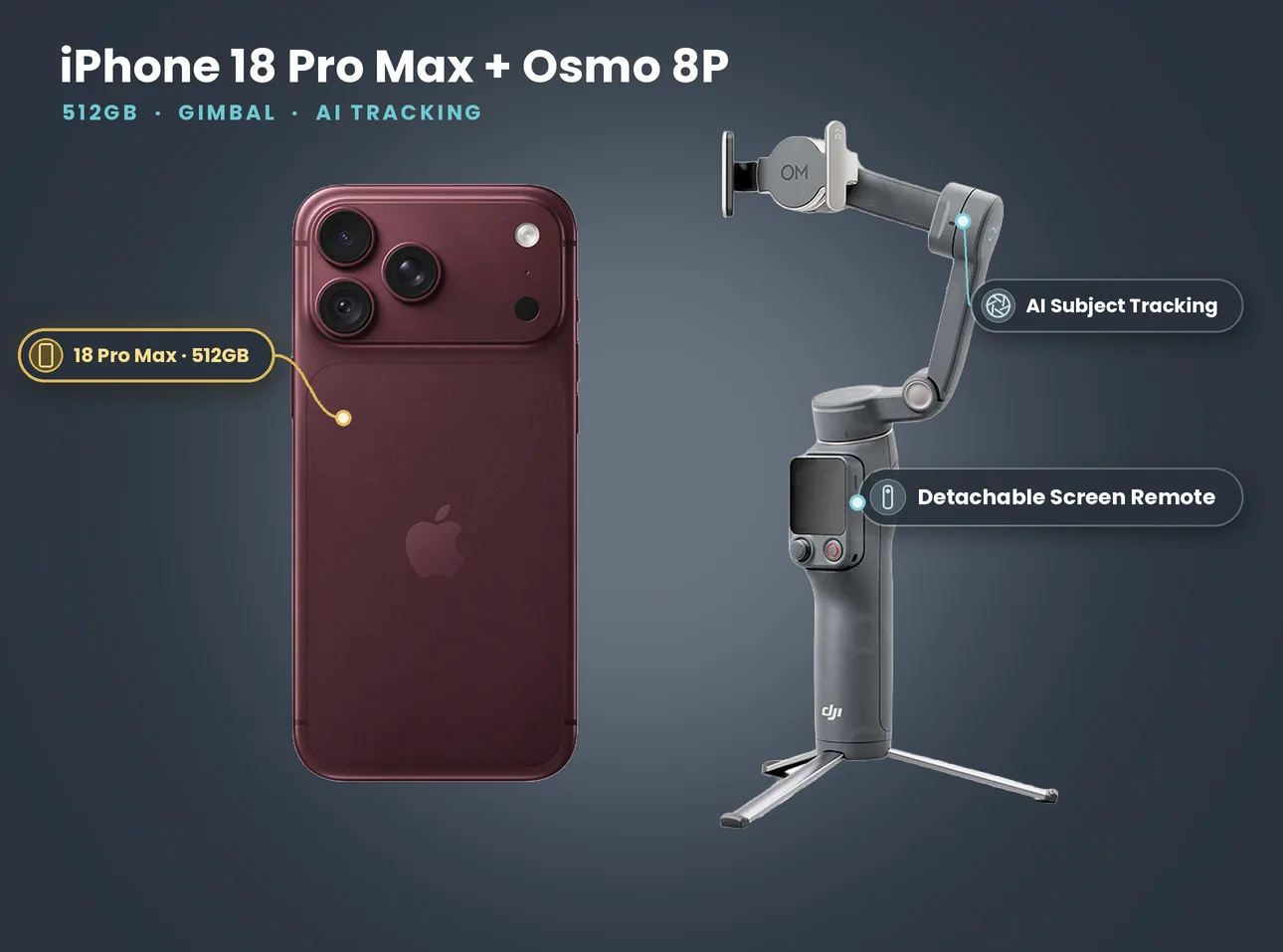
What's in the kit: iPhone 18 Pro Max 512GB + DJI Gimbal Osmo 8P + DJI Mic 3
- iPhone 18 Pro Max 512GB
- DJI Gimbal Osmo 8P with extension rod, tripod and FrameTap screen remote
- DJI Mic 3 set: two transmitters, one receiver, charging case, 32-bit float internal recording
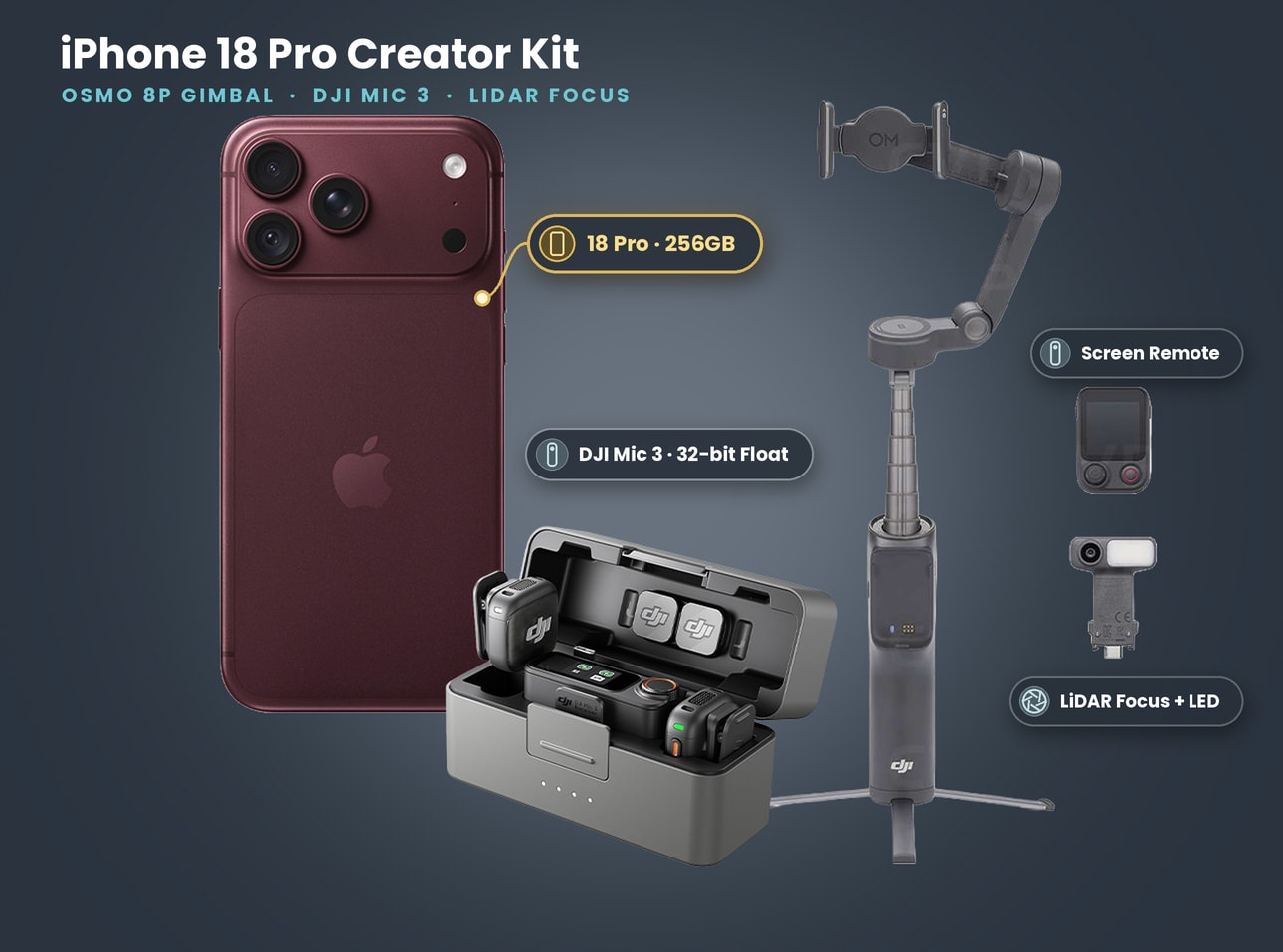
Price on 27 October 2026: £125 a day, £320 for 3 days, £680 for 7 days. No deposit. Prefer the smaller phone? The iPhone 18 Pro 256GB + DJI Gimbal Osmo 8P + DJI Mic 3 is £100 a day, £280 for 3 days, £628 for 7 days. Collect from Soho, Bethnal Green or Finsbury Park.
Step-by-step setup before you roll
This is the order we run through on the morning of a shoot.
- Charge everything in the case overnight. Transmitters, receiver and the case itself.
- Clear old files. Offload anything from a previous job, then clear the transmitters. A fresh start makes the edit far easier.
- Set the format to 32-bit float on both transmitters, and choose single-file mode unless you have a reason for dual files.
- Turn internal recording on for both transmitters. Check the record indicator, not just the menu.
- Pick mono or stereo on the receiver. For two people, stereo with one voice per channel keeps them separate on the phone track too, so you can balance them later.
- Plug the receiver into the iPhone's USB-C and open your camera app. In Apple's Camera app the external mic is used automatically. In the free Blackmagic Camera app you can see the input and its meters on screen, which we prefer.
- Set the live level. Ask your speaker to talk at their normal volume, then at their loudest. Adjust the receiver's output until normal speech peaks around -12 dBFS and the loud line stays below -6 dBFS.
- Record a ten-second test, play it back on headphones, and check both the voice and the background.
- Clap once on camera at the start of the first take. It gives the edit a perfect sync point.
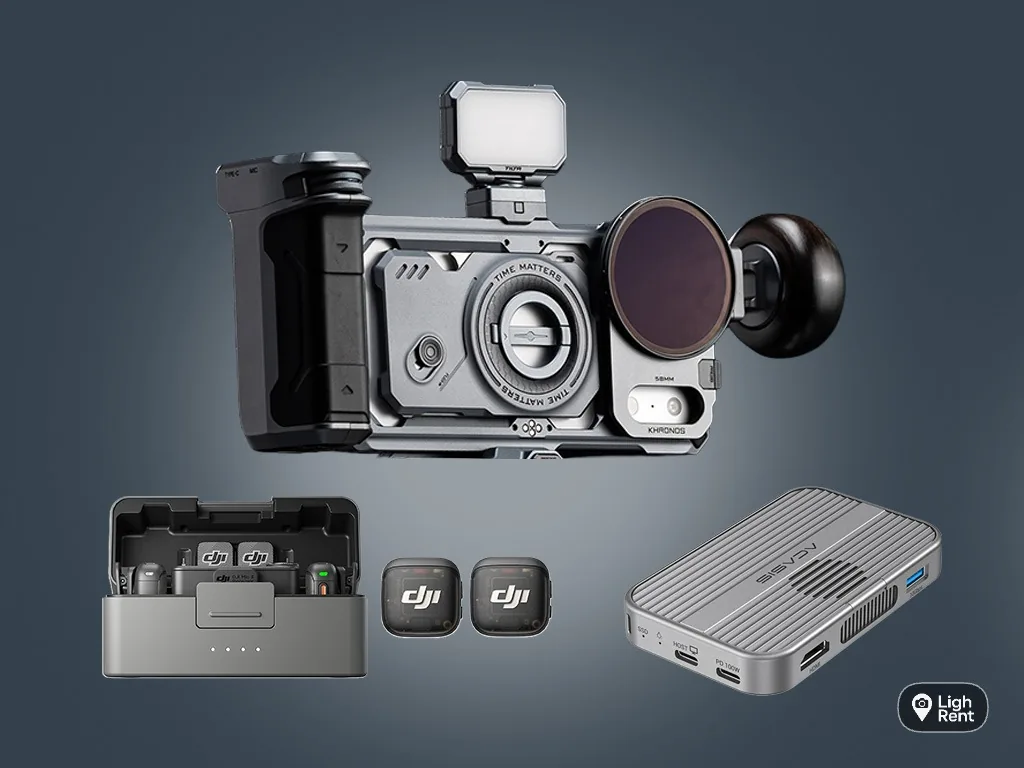
Recording to an external SSD from the same USB-C port as well? You need a hub that passes audio and storage together, which is why our combined rigs use an SSD hub. Test the layout before the day.
Levels: what to aim for on the live track
32-bit float makes the transmitter file forgiving. The iPhone track is not, so set it like a traditional recording.
| Situation | Live track target (iPhone) | Notes |
|---|---|---|
| Seated interview, normal speech | Peaks around -12 dBFS | Leaves room for laughter |
| Street vox pop with traffic | Peaks around -12 dBFS, mic closer | Do not raise gain to beat traffic, move the mic instead |
| Music video lip-sync guide | Low, peaks around -18 dBFS | The track is only for sync; the song comes from the master |
| Drama with shouting | Peaks around -12 dBFS on normal lines | Accept that the shout may clip on the phone; use the transmitter file |
| Quiet ASMR or product talk | Peaks around -12 dBFS | Mic close, room quiet, noise cancellation off |
Noise cancellation helps quick social content on a busy street. For anything you will mix properly, leave it off and treat noise in post: processing baked into a recording cannot be undone.
Mic placement and wind
Placement does more for your sound than any menu.
Clip position. Mid chest, roughly a hand's width below the chin, on the side the person turns towards. If they will look left to a second person, clip it slightly left. The DJI transmitter weighs 16 g with its magnet, so a magnet behind a T-shirt works well and keeps the clip off thin fabric.
Clothing. Zips, toggles, necklaces and lanyards are the usual noise. Move them, or move the mic. Waterproof jackets are the worst, because the fabric crackles every time the arm moves. On those, clip to an inner layer if you can.
Wind. Use the furry windshield outdoors every time, and check it is in the case before you leave. In real wind, turn the speaker so the wind hits their back, and stand them beside a wall or a parked van. A transmitter at chest height on an open bridge will rumble whatever the settings say.
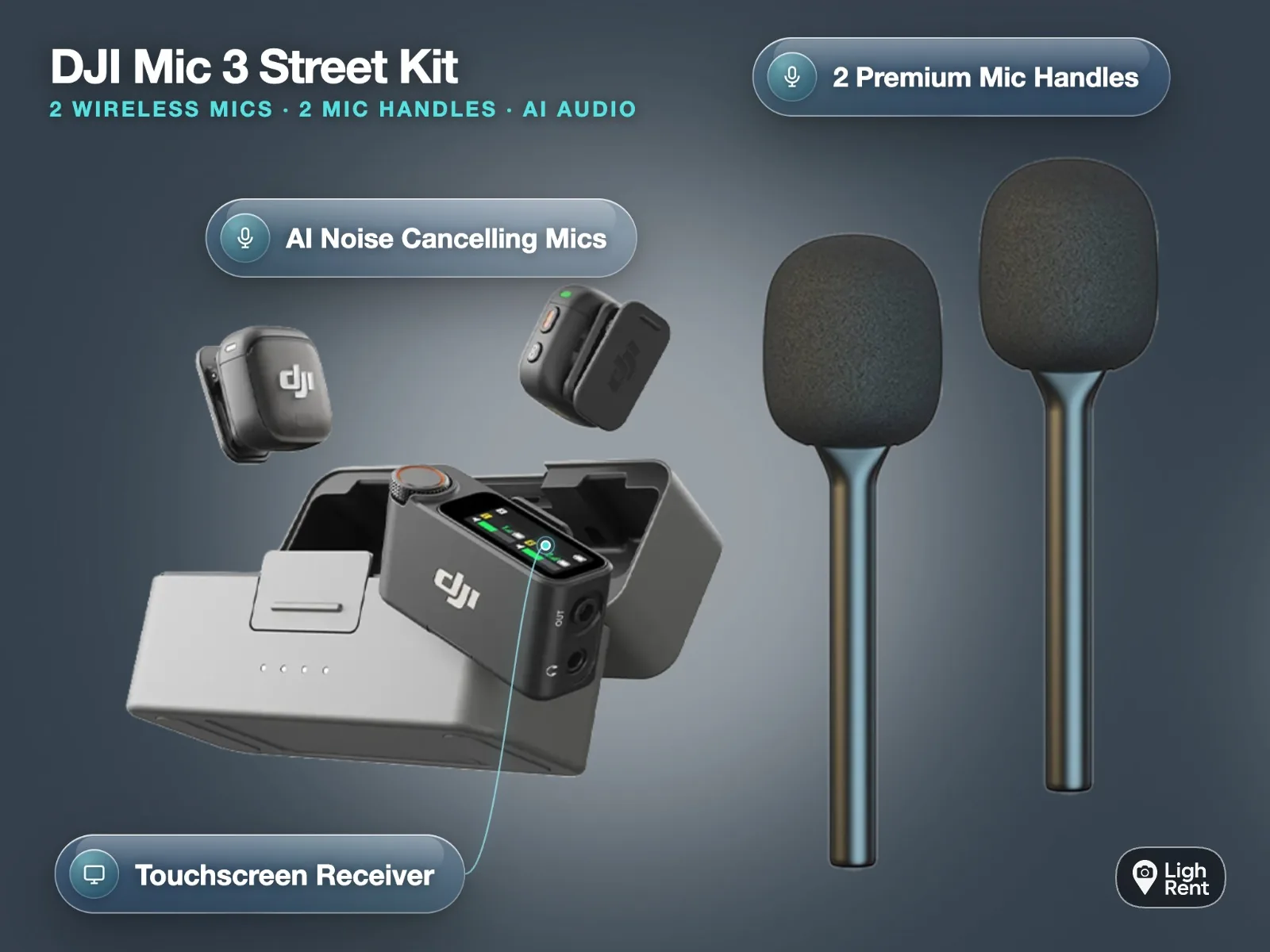
Handheld interviews. With the handle accessories, hold the mic about a fist's distance from the mouth and slightly below, angled up. Ask people not to grab it; hand-holding makes handling noise.
Distance and range. DJI quotes up to 400 m in open, interference-free space and 80 m in a high-interference environment. Central London on a weekday is the second one. For reliable live audio we keep the receiver within a few metres and in line of sight. If the person disappears behind a bus, the transmitter file still has them.
Shooting interviews or a short this week? The iPhone 18 Pro Max kit comes with the DJI Mic 3 set, the Osmo 8P, all in one bag. Book the iPhone 18 Pro Max + Osmo 8P + Mic 3
Syncing the 32-bit float files in the edit
You have video files from the iPhone, each with a live track, and one 32-bit float file per transmitter. Lining them up is quick if you prepared on set.
In DaVinci Resolve
- Import the iPhone clips and the transmitter WAV files into the same bin.
- Select them all, right-click and choose Auto Sync Audio, then Based on Waveform. Resolve matches each transmitter file to the clip with the same sound in its scratch track.
- Check one or two clips by ear. If a long file covers several takes, Resolve still finds the right part.
- In the timeline, mute or remove the phone track for clips where you used the safety file, and normalise or lower the clip gain on the 32-bit float audio. It will come back clean even if it looked "over" on set.
DaVinci Resolve is free in its standard version, and the waveform sync works there.
By hand, in any editor
Put the iPhone clip on the timeline, drop the transmitter file underneath, and line up the clap spike. Zoom in until the two peaks sit on top of each other, then link the clips. With a clap per take this takes a few seconds each.
What about timecode?
DJI lists Mic 3 timecode from 23.98 to 60 fps, with LTC in and out over 3.5 mm and out over USB-C. It earns its place on multi-camera shoots with timecode-aware gear. For one iPhone, waveform sync is simpler and just as accurate.
Settings cheat sheet for iPhone 18 Pro + DJI Mic 3
| Setting | Our default | Why |
|---|---|---|
| Transmitter bit depth | 32-bit float | Safety copy that cannot clip |
| Transmitter file mode | Single file | Longest recording, simplest edit |
| Internal recording | On, both transmitters | Covers dropouts and clipping on the phone |
| Receiver channels | Stereo, one voice per side | Balance two people later |
| Noise cancellation | Off for proper mixes, on for same-day social | Processing cannot be removed later |
| Live level into iPhone | Speech peaks around -12 dBFS | Headroom for laughs and raised voices |
| Camera app | Blackmagic Camera for meters, Apple Camera for speed | See your levels on screen |
| Frame rate | 25 fps for UK delivery | Matches UK broadcast and mains lighting |
| Sync method | Clap plus waveform sync | Fast and reliable for one camera |
The phone's four built-in mics (Apple's tech specs) are a fair ambience backup, not a speech mic.
Common mistakes to avoid
- Format left on 24-bit. The shoot goes fine until the one shout. Check the setting at the start of each day.
- Internal recording never switched on. The safety net only works if it exists.
- Live track set as if it were 32-bit float. People push the receiver level high because "it can't clip". The phone track can.
- Transmitter under a jacket collar. Muffled, rustly sound that no edit fixes.
- Batteries empty by mid-afternoon. Put the transmitters back in the case during breaks.
Which DJI Mic 3 kit to rent
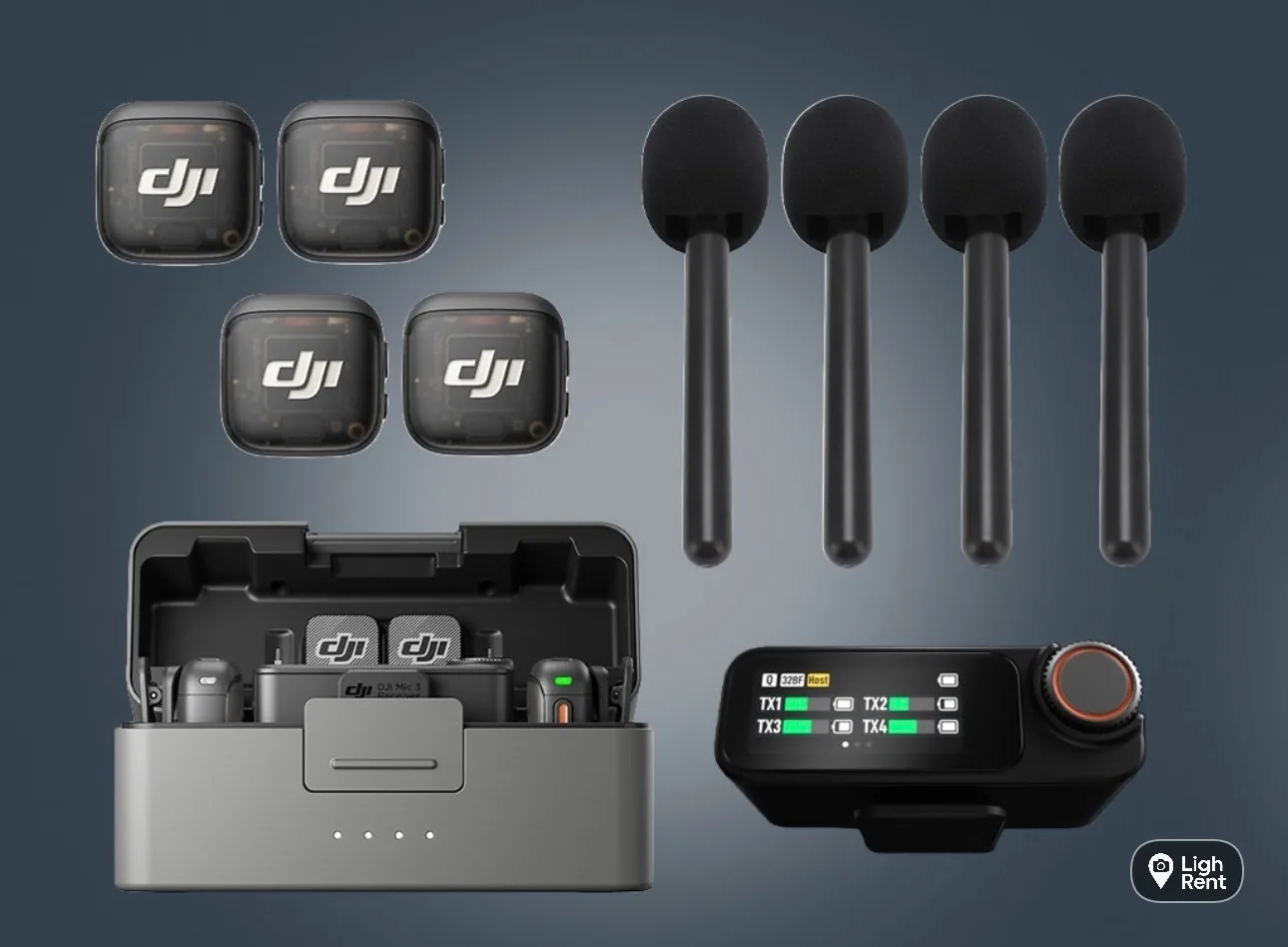
If you already have a phone you are happy with, the DJI Mic 3 Combo on its own is £16 a day or £80 for 7 days. For vox pops with handheld mics, the DJI Mic 3 Street Interview Kit is £25 a day or £140 for 7 days. For a round-table podcast, the DJI Mic 3 Podcast Kit of 4 is £60 a day or £336 for 7 days.
If you want the whole thing in one bag, the iPhone 18 Pro Max and iPhone 18 Pro creator kits above include the phone, the DJI Gimbal Osmo 8P and the full Mic 3 set. You book on the website or the app; every booking needs ID verification, and the booking guide explains the steps. Collect from Soho, Bethnal Green or Finsbury Park.
- Street interview kit for iPhone: the full vox pop setup, permissions and framing for 9:16.
- iPhone gimbal hire with the Osmo 8P: balancing a phone with a receiver attached.
- iPhone 18 Pro vs Pro Max for filmmaking: which phone to pair with the mics.
- Short-term iPhone rental in London: how day and week hire works.
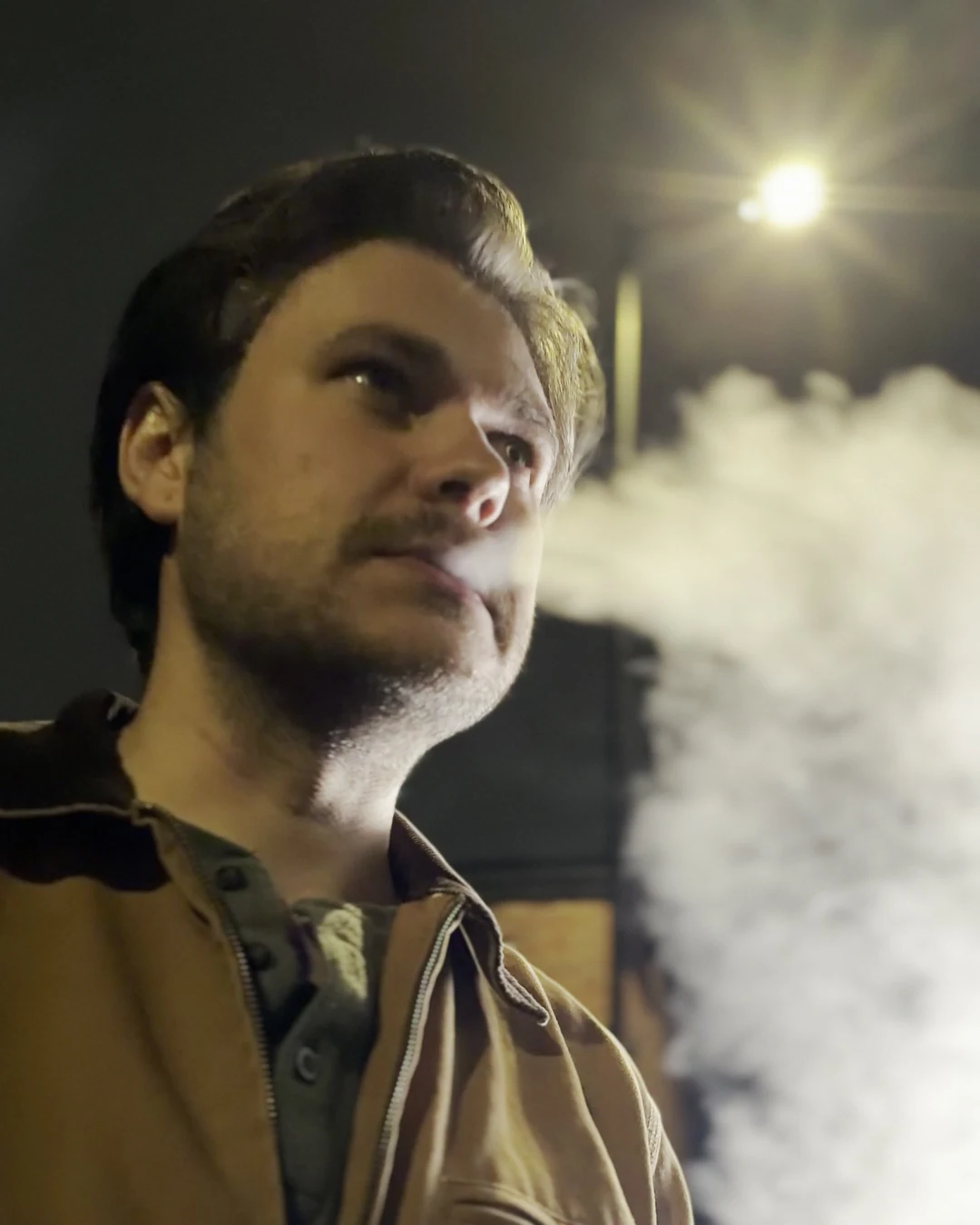
- Shot on iPhone: Lime Bike case study: a night shoot with dialogue, smoke and fire on one iPhone 18 Pro.
Clean sound in one bag. The iPhone 18 Pro 256GB creator kit is the lighter option for solo shooters. Book the iPhone 18 Pro + Osmo 8P + Mic 3