A phone on a gimbal is the fastest way to make London footage look expensive. Walk-and-talks along a canal, a reveal from behind a market stall, a slow push into a shop window: all of it looks smoother on a gimbal than any human hand can manage. We rent the iPhone 18 Pro Max with the DJI Gimbal Osmo 8P from our London pickup points, and most of the questions we get at collection are the same. This guide answers them in one place.
It covers what the Osmo 8P actually does (from DJI's own specs), how to balance a Pro Max, the settings we use, how to shoot walk-and-talks, when to leave the gimbal at home and what hire costs.
- The iPhone 18 Pro Max (249 g) sits well inside the Osmo 8P's 170 to 300 g phone range. Take the case off before you clamp it.
- DJI quotes about 10 hours of gimbal battery. The phone runs out first, so carry a power bank.
- Shoot normal 4K at 25 fps for real-time shots and 50 fps for slow walks. Skip Action mode: the gimbal does the work and Action mode tops out at 2.8K.
- Tracking comes from the Multifunctional Module 2 and Apple DockKit, so it works inside the Camera app, not only DJI Mimo.
- Hire on 27 October 2026: £100 a day with the iPhone 18 Pro Max, no deposit.
In this guide
- What the DJI Gimbal Osmo 8P is
- The kit we rent
- How to balance the iPhone 18 Pro Max
- Settings we use on a gimbal
- Tracking: ActiveTrack 8.0, Multifunctional Module 2 and DockKit
- Shooting walk-and-talks in London
- When not to use a gimbal
- Mistakes we see when gimbal kits come back
- Power and battery planning
- How to hire an iPhone gimbal kit in London
What the DJI Gimbal Osmo 8P is
The DJI Osmo Mobile 8P is a three-axis phone gimbal. Three small motors counter your hand's movement on the pan, tilt and roll axes, so the phone stays level and moves smoothly even when you walk. The P version adds two things we use on almost every shoot: a detachable screen remote called FrameTap and a clip-on tracking module.
Here are the numbers that matter, taken from DJI's spec page:
| Spec | DJI Osmo Mobile 8P | Why it matters |
|---|---|---|
| Weight | About 386 g with tripod, clamp, Multifunctional Module 2 and FrameTap | Light enough to hold one-handed for a full take |
| Phone weight | 170 to 300 g | iPhone 18 Pro Max is 249 g |
| Phone thickness and width | 6.9 to 11 mm, 67 to 84 mm | Thick cases can push you out of range |
| Battery | 3350 mAh, about 10 hours | A full day for the gimbal |
| Charging | About 2.5 hours | Charge overnight, not at lunch |
| Extension rod | Up to 215 mm, built in, with tripod | High angles and vlogging without extra kit |
| FrameTap remote | 1.4 inch screen | See the shot when the phone faces away |
| Fill light | Up to 40 lux at 0.6 m, 2500 to 6500 K | A catchlight, not a key light |
| Pan | 360 degrees | Full turns for reveals |
| Max controllable speed | 120 degrees per second | Fast whip pans are possible |
| Operating temperature | 0 to 40 °C | Cold winter nights are close to the limit |
DJI also lists ActiveTrack 8.0 and Apple DockKit support. DockKit is Apple's framework that lets a motorised stand or gimbal track subjects inside supported camera apps, so tracking does not depend on DJI's own app.
The kit we rent
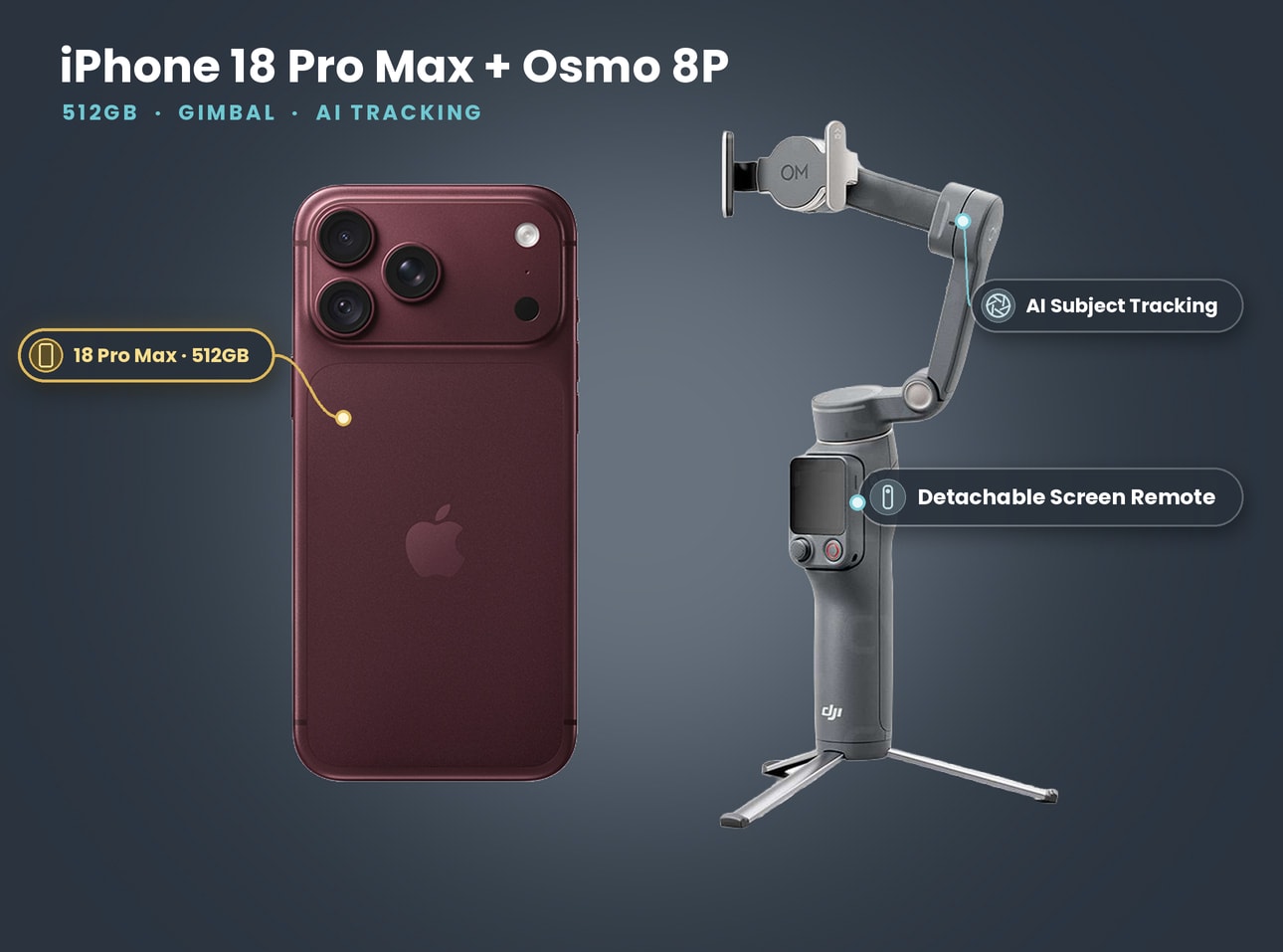
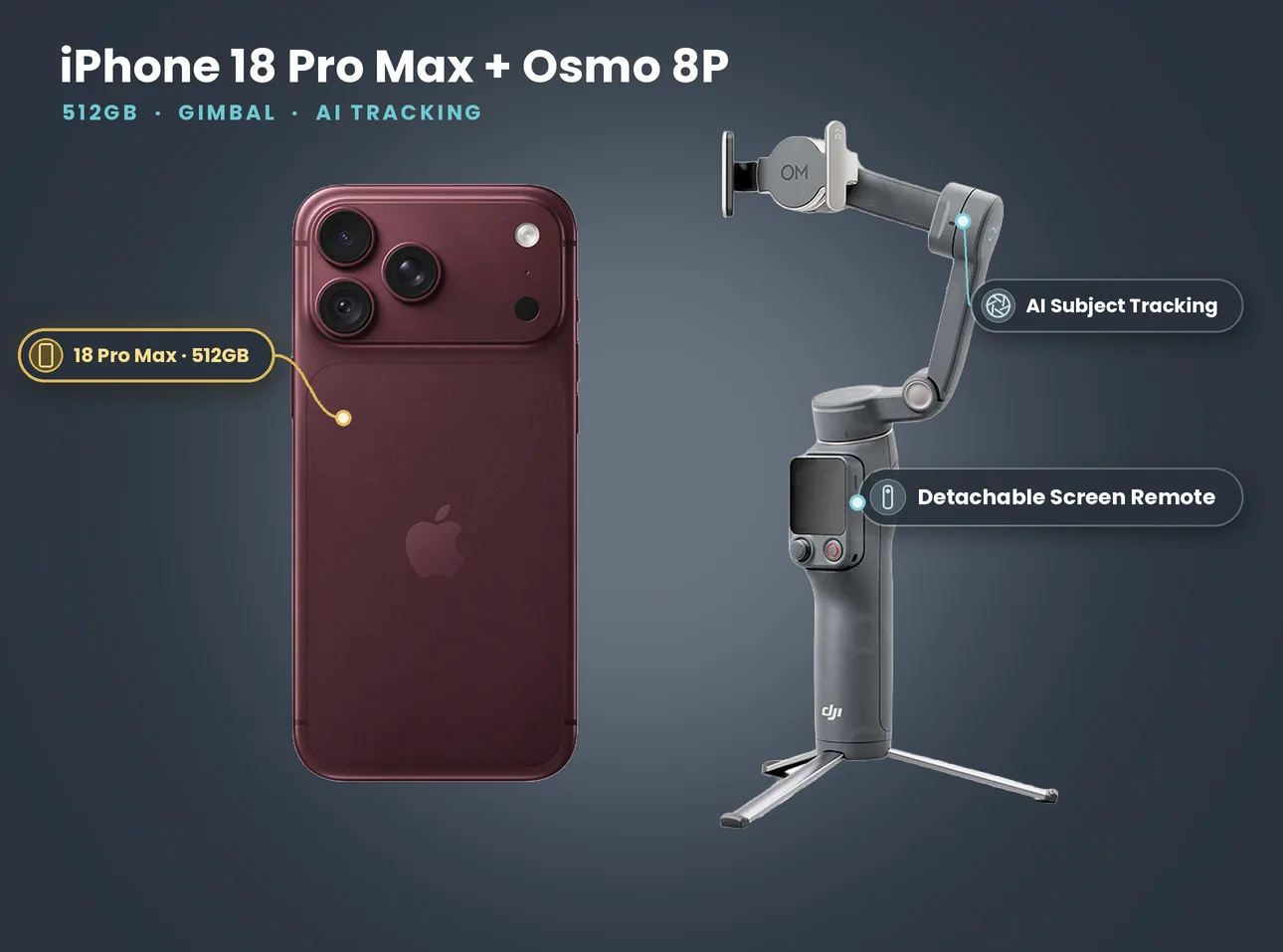
What's in the kit: iPhone 18 Pro Max 512GB + DJI Gimbal Osmo 8P
- iPhone 18 Pro Max 512GB
- DJI Gimbal Osmo 8P with built-in extension rod and tripod
- Detachable FrameTap screen remote
- Magnetic phone clamp
- Mini tripod
Price on 27 October 2026: £100 a day, £280 for 3 days, £640 for 7 days. No deposit. Collect from Soho, Bethnal Green or Finsbury Park.
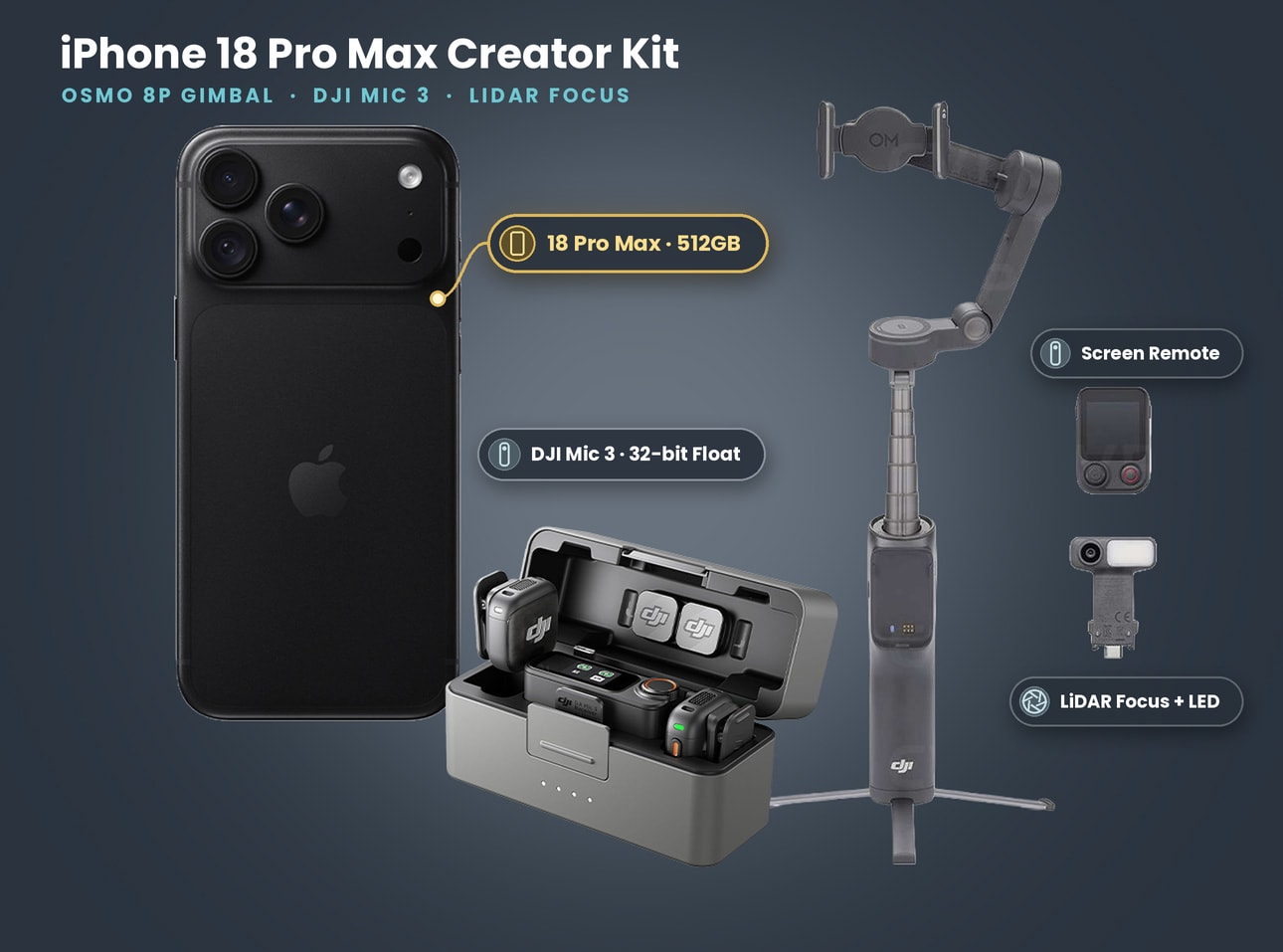
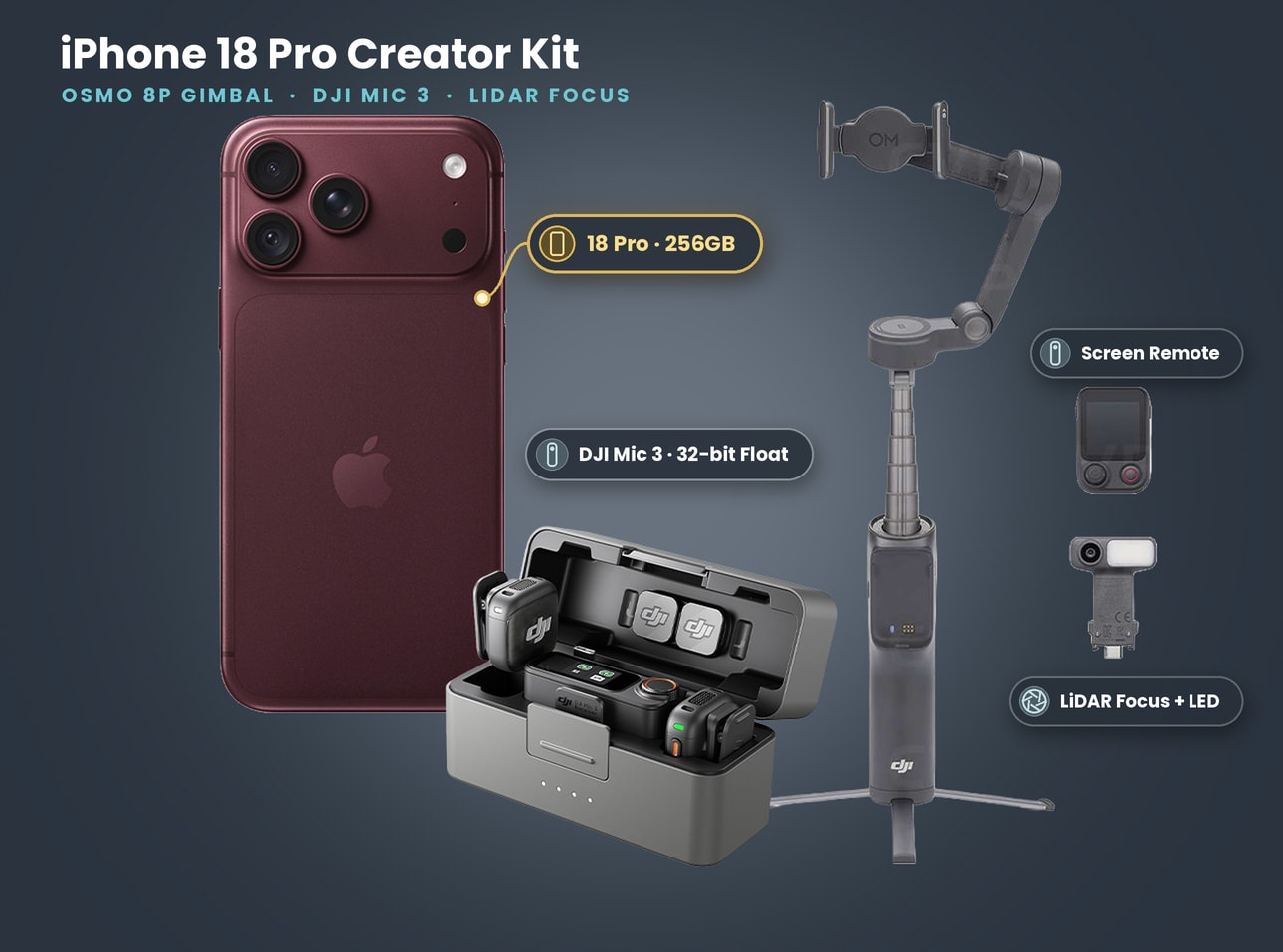
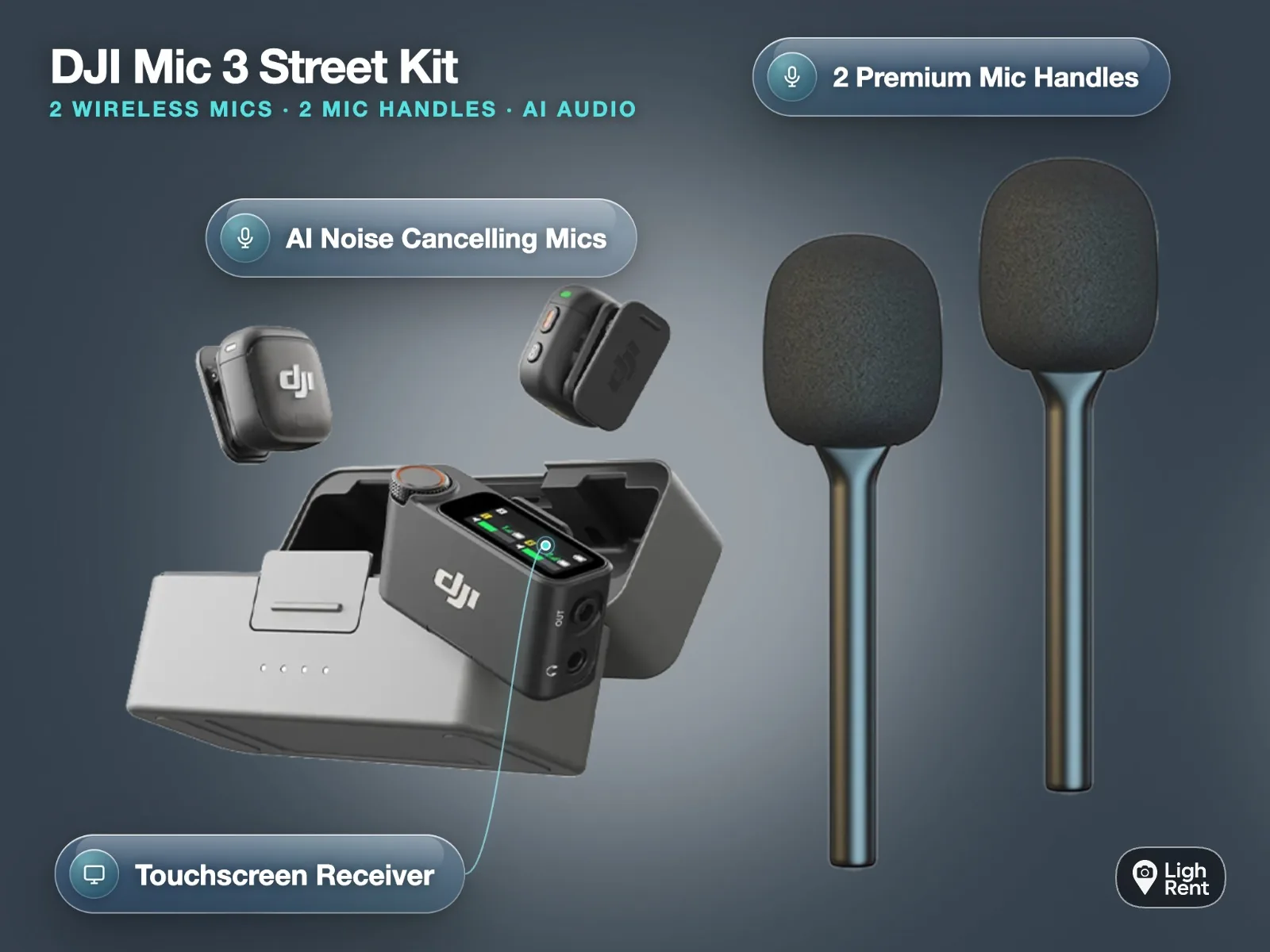
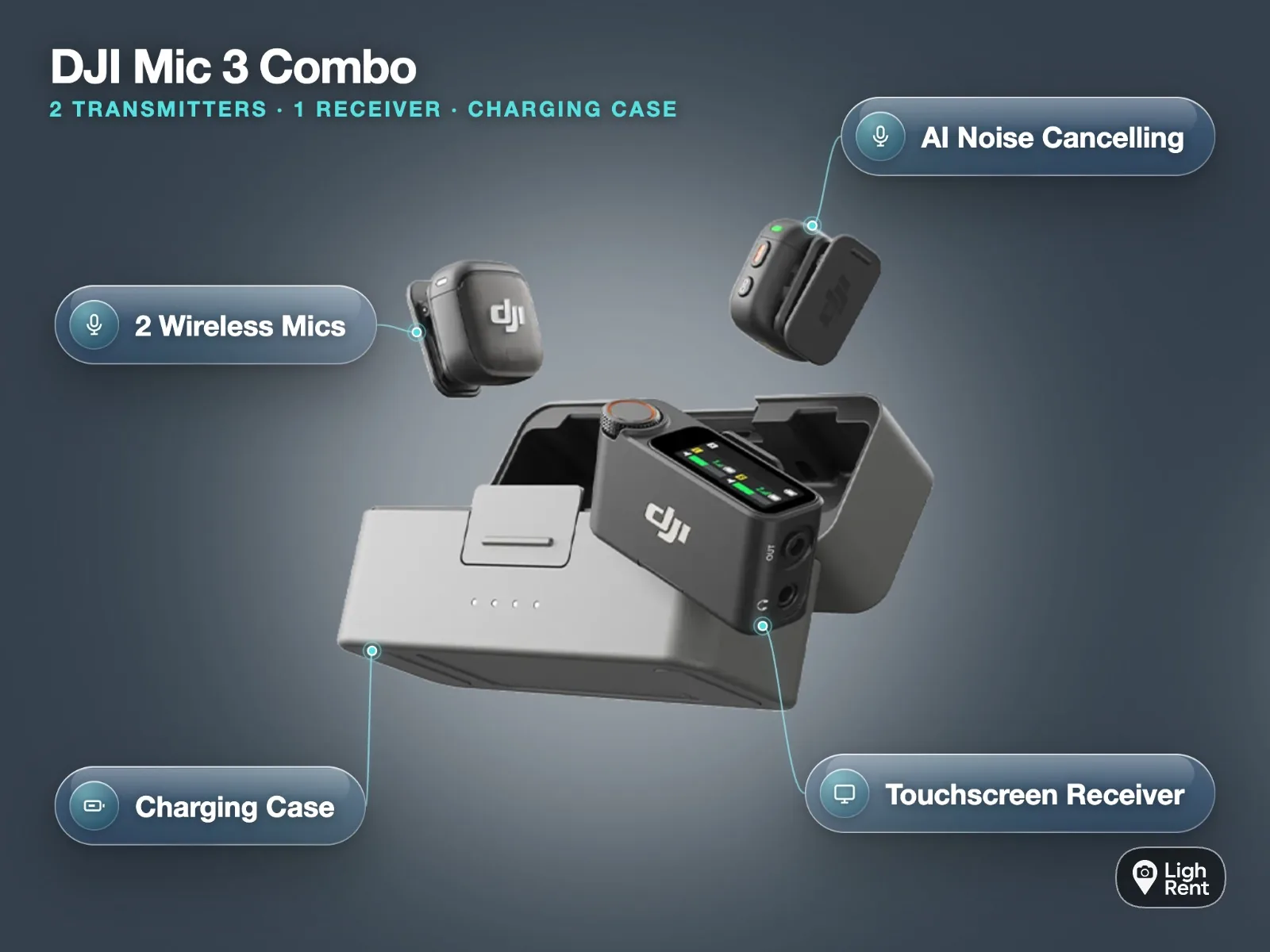
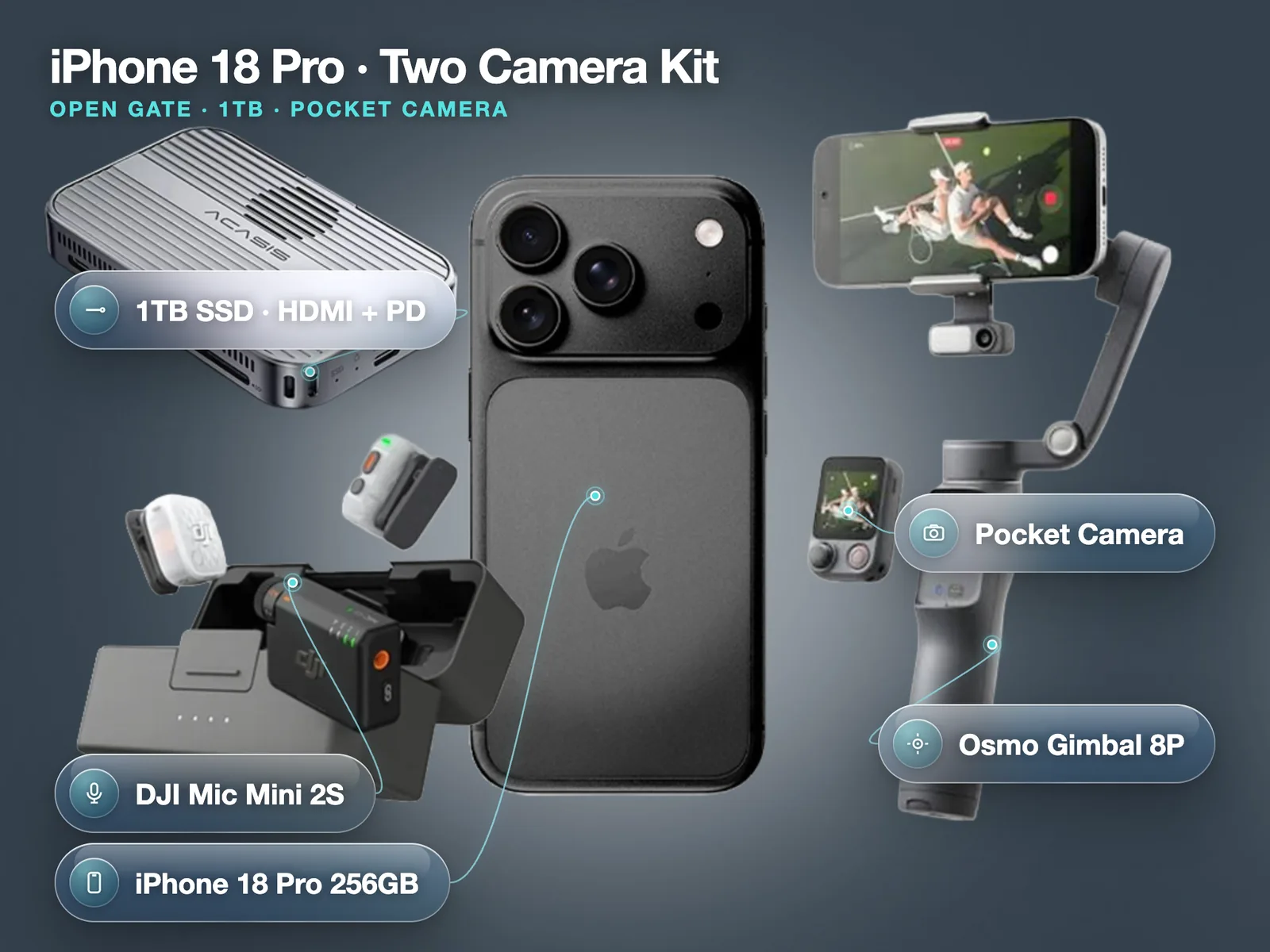
If you need sound as well, the iPhone 18 Pro Max + DJI Gimbal Osmo 8P + DJI Mic 3 kit adds two wireless transmitters and a receiver for £125 a day. The same creator kit with the smaller iPhone 18 Pro 256GB costs £100 a day, £280 for 3 days or £628 for 7 days. For two angles at once, the iPhone 18 Pro two camera kit pairs the gimbal with a pocket gimbal camera for £120 a day.
The gimbal itself adds £16 a day over the iPhone 18 Pro Max on its own (£84 a day), or £152 over a week.
How to balance the iPhone 18 Pro Max
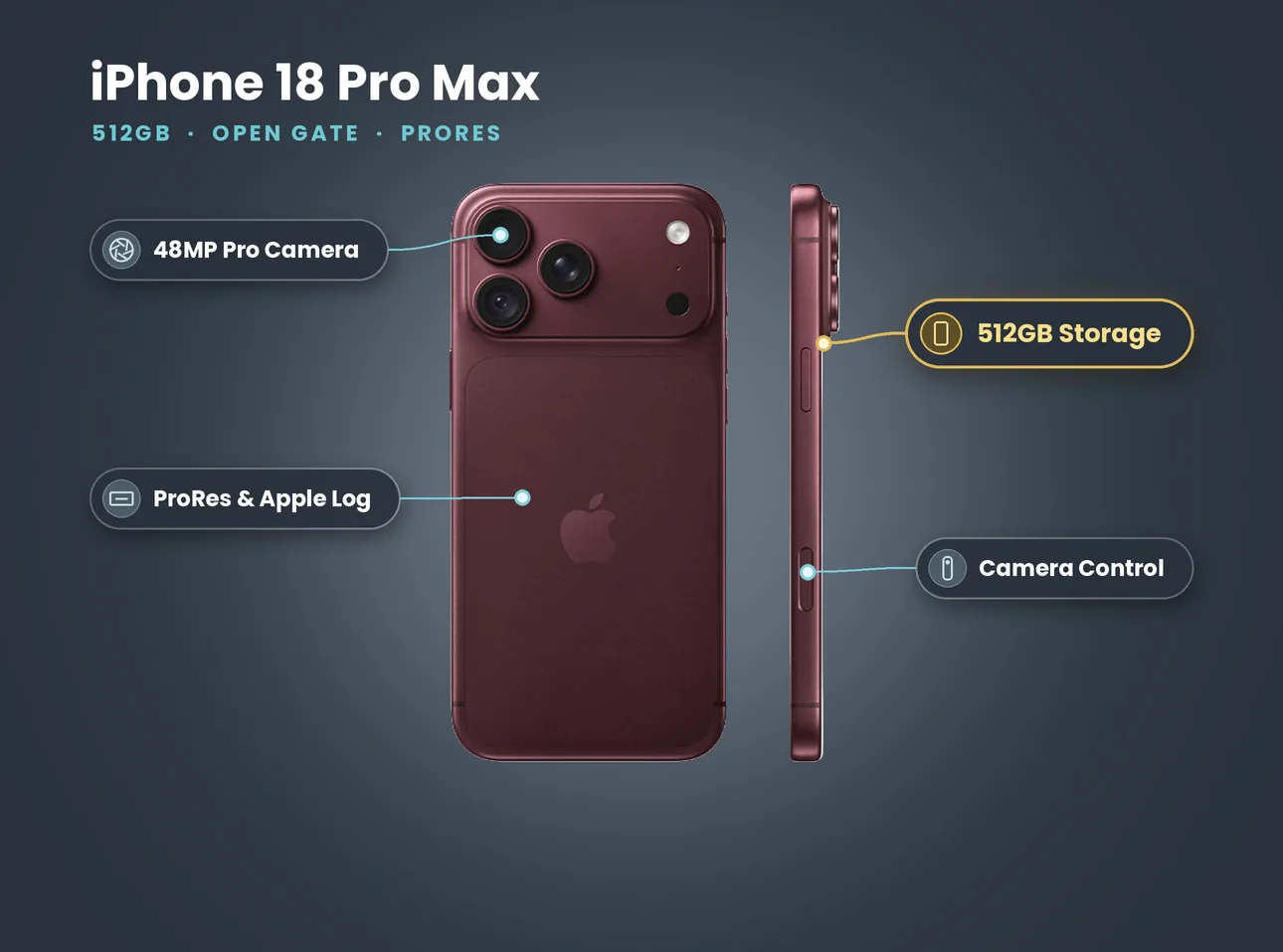
A badly balanced phone makes the motors work hard, drains the battery and causes a slight drift or buzz in the image. Balancing takes a minute:
- Remove the case. Apple lists the Pro Max at 249 g. A heavy case adds weight off-centre and can push the phone past DJI's 11 mm thickness limit.
- Centre the clamp on the phone. Put the magnetic clamp in the middle of the phone's length, with the camera end at the side DJI marks on the clamp. The Pro Max camera bump makes that end heavier, so the clamp sits slightly towards it.
- Unfold and power on with the phone attached. The motors start holding immediately.
- Check the level. If the phone tilts or rolls when the gimbal is still, take it off, slide the clamp a few millimetres towards the high side and try again.
- Run auto calibration in DJI Mimo if the horizon still drifts after a few minutes.
Do not add a lens, a cage or a magnetic SSD to the phone on the gimbal unless you have checked the total weight stays under 300 g. A Pro Max plus most accessories goes over.
Settings we use on a gimbal
The gimbal handles stabilisation, so the phone's own settings should stay simple. These are the ones we hand over at collection:
| Shot | Frame rate | Shutter (manual app) | Stabilisation | Notes |
|---|---|---|---|---|
| Walk-and-talk, real time | 25 fps | 1/50 | Standard | Match UK delivery and speech |
| Slow, dreamy walk | 50 fps | 1/100 | Standard | Slow to 25 fps in the edit |
| Reveal or push-in | 25 fps | 1/50 | Standard | Move slowly, start and end still |
| Fast whip pan | 50 fps | 1/100 | Standard | Gives you clean frames to cut on |
| Hero slow motion | 120 fps | 1/240 | Standard | Apple lists 4K Dolby Vision up to 120 fps |
Why not Action mode? Apple's specs list Action mode at up to 2.8K at 60 fps. It crops heavily to stabilise in software. On a gimbal you already have mechanical stabilisation, so you would be giving up 4K for nothing.
Why manual shutter? The built-in Camera app picks the shutter for you. In daylight that means very fast shutter speeds, which make movement look stuttery. A manual camera app lets you hold 1/50. Without an ND filter, though, you cannot hold 1/50 in bright sun. On a sunny day, accept the faster shutter and keep the moves slow and smooth, which hides most of the stutter. If the look matters more than speed, the cage rigs with variable ND in our music video rig guide are the better tool.
Lens choice: the 24 mm main camera with its f/1.48 to f/4 variable aperture gives you the cleanest image. The 13 mm ultra wide is great for walk-and-talks in tight streets because small wobbles shrink at wide angles. The 100 mm telephoto magnifies every movement, so use it on a gimbal only for slow, steady moves.
Shoot smooth London footage this week. iPhone 18 Pro Max 512GB, DJI Gimbal Osmo 8P, FrameTap remote and tripod. No deposit. Book the iPhone 18 Pro Max + DJI Gimbal Osmo 8P
Tracking: ActiveTrack 8.0, Multifunctional Module 2 and DockKit
There are two ways to make the Osmo 8P follow a person.
Through the Multifunctional Module 2. This clips on and does the tracking itself. DJI says it can lock on to any object and mirror its view to the FrameTap remote. Because the module does the work, tracking does not depend on the camera app you film with.
Through Apple DockKit. DJI lists "Direct Phone Connection for Native Tracking". With DockKit, the iPhone itself recognises the subject and tells the gimbal where to turn, inside supported apps such as the built-in Camera app.
What we have learned from renters who use tracking a lot:
- Start the track before the action. Lock on while the subject is still, then let them move.
- Give the subject contrast. Tracking holds better on someone in clothing that stands out from the background than on someone in dark clothes against a dark wall.
- Crowds confuse every tracker. DJI says ActiveTrack 8.0 is better in complex crowds, and in our experience it is good, but on Oxford Street on a Saturday it will still occasionally jump to the wrong person. Keep a hand on the joystick.
- For solo creators, use FrameTap. Detach it, hold it out of shot and you can see your framing while the phone faces you.
Shooting walk-and-talks in London
The walk-and-talk is the shot people rent this kit for. Here is how we set it up:
- Walk backwards, slowly, with a spotter. The operator walks backwards in front of the presenter. A second person walks behind the operator with a hand on their shoulder and steers around kerbs, bollards and people.
- Hold the gimbal at chest height, elbows in. Bend your knees slightly and roll your feet heel to toe. The gimbal removes small shakes, not the up-and-down bounce of a heavy step.
- Use the ultra wide in tight streets. It keeps the presenter and the street in frame, and the wide view hides bounce.
- Record sound separately. The phone's microphones are behind the presenter's voice and pick up traffic. A wireless lavalier on the presenter fixes this. See our DJI Mic 3 32-bit float guide for the settings.
- Do two takes at different speeds. One at the presenter's natural pace, one slower. Editors almost always use the slower one.
On permits: a small crew filming on a public pavement is common in London, but you still need to respect other people's space and safety. TfL asks you to contact it before filming on roads, pavements, bus stops or parking bays it manages, and Film London's code of practice explains what boroughs expect.
When not to use a gimbal
A gimbal is the wrong choice more often than people think. Leave it at home, or at least off the phone, for:
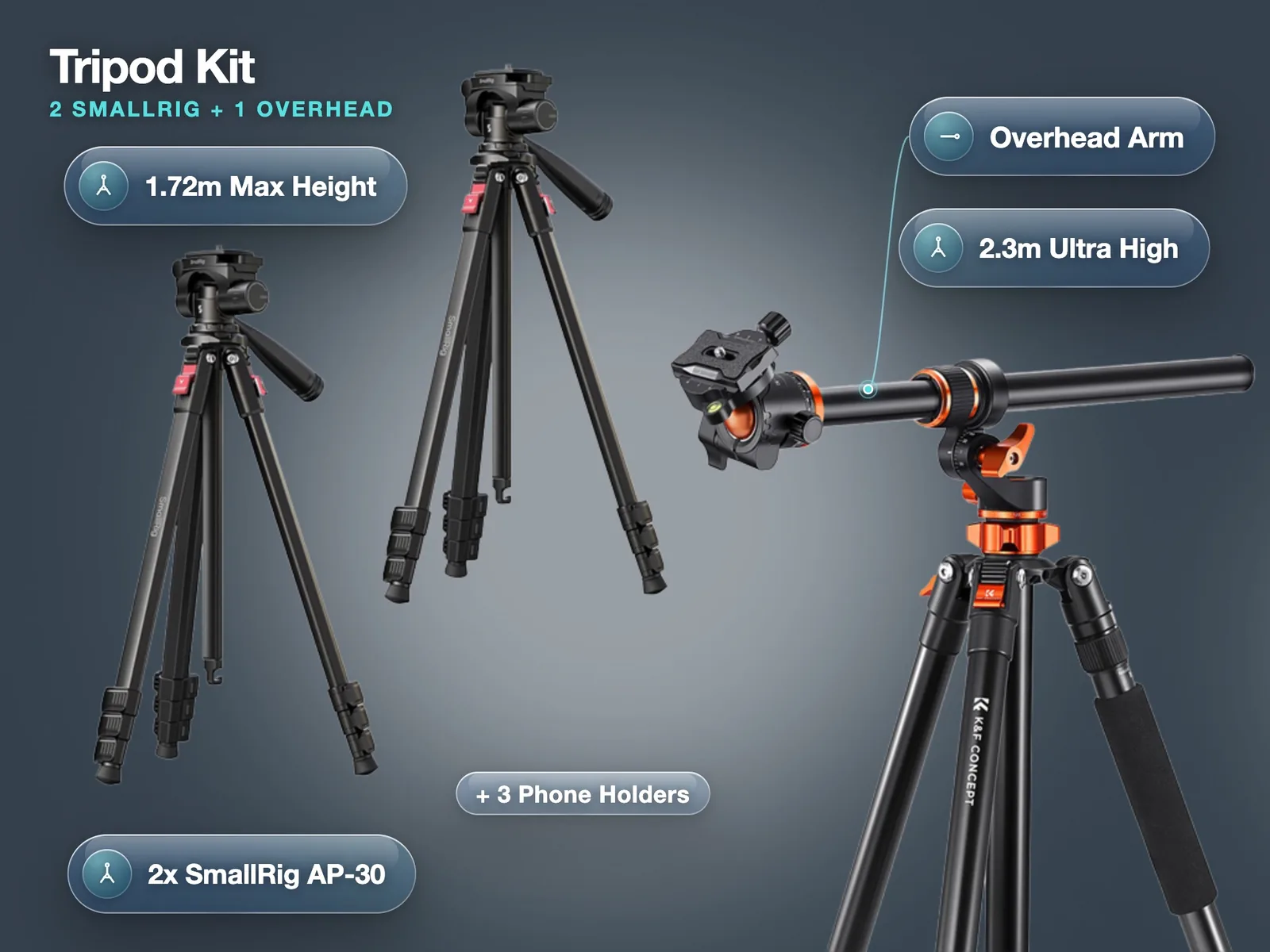
- Seated interviews. A tripod is steadier, and a gimbal slowly drifts if you hold it for minutes. We rent a tripod kit with two SmallRig AP-30 travel tripods and a 2.3 metre overhead tripod for £40 a day.
- Product shots on a table. You need precise framing and no movement at all.
- Timelapses and long static takes. The gimbal's own battery and motors add nothing.
- Running at full speed or rough ground. The bounce of each footstep is too big for a phone gimbal to absorb. A cage held low with both hands often looks more natural.
- Very cold nights. DJI rates the gimbal from 0 °C. On a frosty night shoot, keep it warm in a bag between setups.
Mistakes we see when gimbal kits come back
Most problems with rented gimbal footage are not faults in the kit. They are the same handful of habits, and all of them are easy to fix once you know.
- Recording with the phone in a thick case. The motors fight the extra weight, the horizon drifts and the battery drops fast. Take the case off every time.
- Starting and stopping on the move. A shot that begins mid-step has nothing clean to cut on. Hold still for two seconds, move, then hold still again before you stop.
- Leaving the phone on auto exposure while walking past windows. The image pumps brighter and darker as the light changes. Lock exposure (press and hold on the subject in the Camera app, or set it manually) before you roll.
- Using digital zoom. Apple lists up to 24x digital zoom for video, but anything past the optical-quality steps (0.5x, 1x, 2x, 4x and 8x) softens the image. Pick a lens and walk closer instead.
- Forgetting the remote is detachable. People often shoot pieces to camera blind. Pull the FrameTap off the handle, hold it below frame and check focus and framing as you talk.
Power and battery planning
DJI quotes about 10 hours for the gimbal, measured with it balanced and still, so expect less with constant movement and tracking. Even so, the phone almost always runs out first: 4K recording, a bright screen and tracking all drain it. Our rule is simple.
- Start the day with both the phone and the gimbal at 100 percent.
- Keep a USB-C power bank in your pocket and top up the iPhone between setups. DJI says the gimbal can also charge the phone, but that drains the gimbal faster.
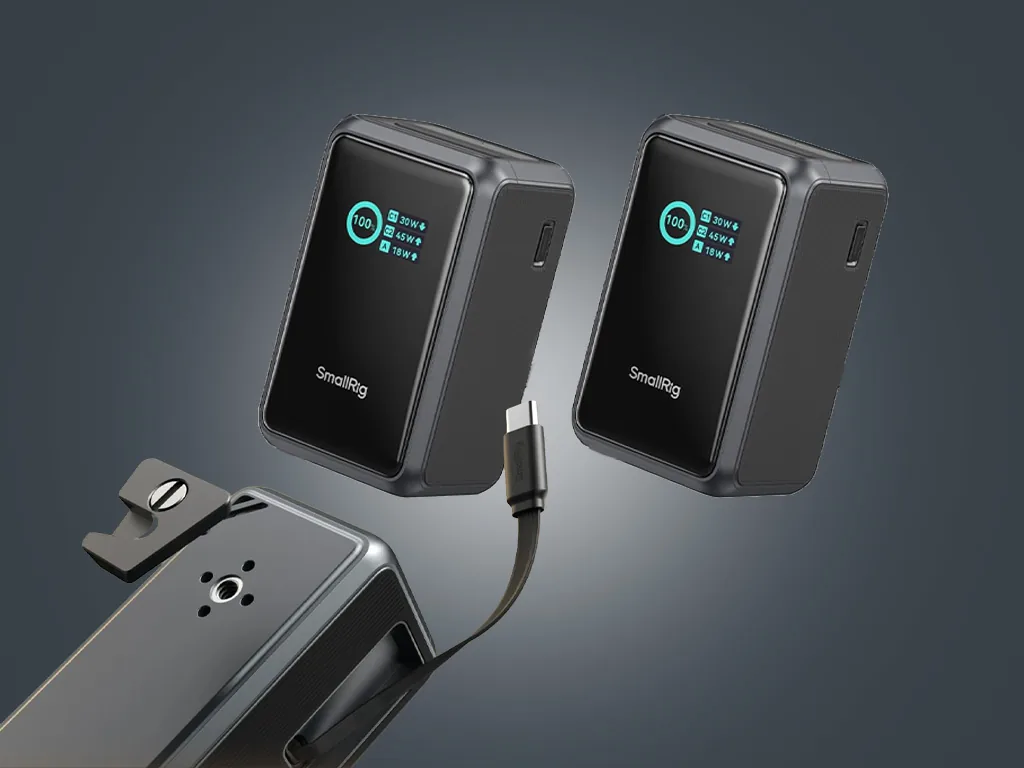
- For long days, add the SmallRig Nano36 power bank pair for £30 a day.
- Charge the gimbal overnight: DJI quotes about 2.5 hours from empty.
How to hire an iPhone gimbal kit in London
- Choose your kit on LighRent and send a request with your dates. The booking guide explains each step.
- Verify your ID. Every booking needs it.
- Collect from Soho, Bethnal Green or Finsbury Park. We balance the gimbal with you at pickup and check the FrameTap remote is paired.
- Shoot, then return the kit at the agreed time.
| Kit | 1 day | 3 days | 7 days |
|---|---|---|---|
| iPhone 18 Pro Max 512GB + DJI Gimbal Osmo 8P | £100 | £280 | £640 |
| iPhone 18 Pro Max 512GB + Osmo 8P + DJI Mic 3 | £125 | £320 | £680 |
| iPhone 18 Pro 256GB + Osmo 8P + DJI Mic 3 | £100 | £280 | £628 |
| iPhone 18 Pro Max 512GB only | £84 | £250 | £488 |
Prices from the LighRent listings on 27 October 2026, before any checkout fee. No deposit on these kits.
Need sound too? The creator kit adds a DJI Mic 3 set with 32-bit float recording to the phone and gimbal. Book the iPhone 18 Pro Max + Osmo 8P + DJI Mic 3
- Street interview kit for iPhone: the gimbal, mics and workflow for vox pops
- DJI Mic 3 32-bit float on iPhone: clean audio for walk-and-talks
- iPhone 18 Pro vs Pro Max for filmmaking: which phone to put on the gimbal
- iPhone music video rig: when a cage with ND beats a gimbal
- Short-term iPhone rental in London: daily and weekly hire explained