Guides
Podcast Equipment Hire London: Two to Four Person Kits
Planning a first or pop-up video podcast in London? Here is what to hire for two to four people: one wireless mic per voice, at least two camera angles, soft light on the table, and the power and storage to get through the session.
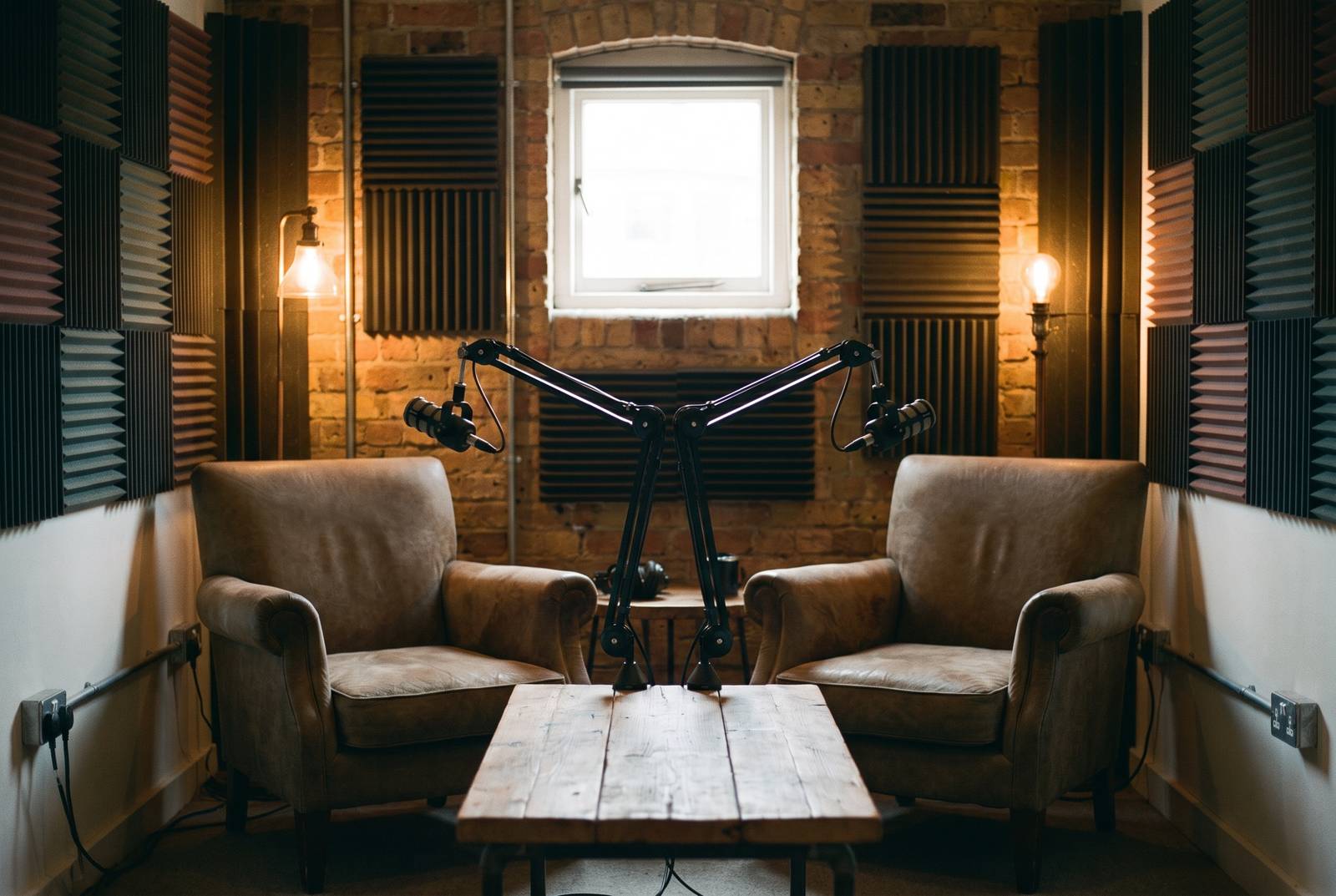 Illustrative image
The short version
On this page6 sections
Most podcast studios in London hire out a room. That works if you want to record in their space, on their schedule. If you want to record in your own office, a shop after hours, a client's boardroom or a flat with a nice bookshelf, you need portable podcast equipment hire instead: mics, cameras, lights and power that travel in a bag and set up on any table.
This guide is for first-time and pop-up podcasters choosing what to hire. It covers how many mics and cameras you need for two to four people, how to light a table rather than a whole room, and what to sort out before you press record. Where a listing on LighRent fits the job, you will see the price it was listed at so you can budget.
Pick the setup by guest count
Start with one question: how many people will speak? That number decides almost everything else. Each voice needs its own mic. The more people around the table, the more camera angles you need to show who is talking.
Here is a simple way to match kit to the size of your show.
| Show format | Mics | Camera angles | Good starting kit |
|---|---|---|---|
| Solo host or a host with one guest | One per voice | Two: a wide shot and a close shot | Two-iPhone kit with wireless mics |
| Host plus two guests | One per voice | Two or more: a wide plus close shots | Mic set of 4 plus phones or cameras |
| Panel of four | One per voice, four in total | A wide plus close shots for each side of the table | Mic set of 4 plus cameras and lights |
If you are not sure how many guests you will have each week, hire for the biggest episode. A spare mic on the table costs you nothing in the edit. A guest without a mic is a problem you cannot fix later.
For a two-person interview, a ready-made phone kit is the quickest route. For a panel of up to four, a dedicated mic set paired with cameras or phones gives you a clean track for every voice and enough angles to cut between them.
Audio: one wireless mic per voice
Audio is the part listeners forgive least. People will watch a slightly soft picture. They will switch off if they cannot hear a guest, or if every voice sounds like it is in a bathroom. The fix is simple: give every speaker their own clip-on wireless mic.
A single mic in the middle of the table picks up the room, the air conditioning and whoever is closest. Individual mics keep each voice close and clear. They also give you separate tracks, so in the edit you can lower one person's laugh or remove a cough without touching anyone else.

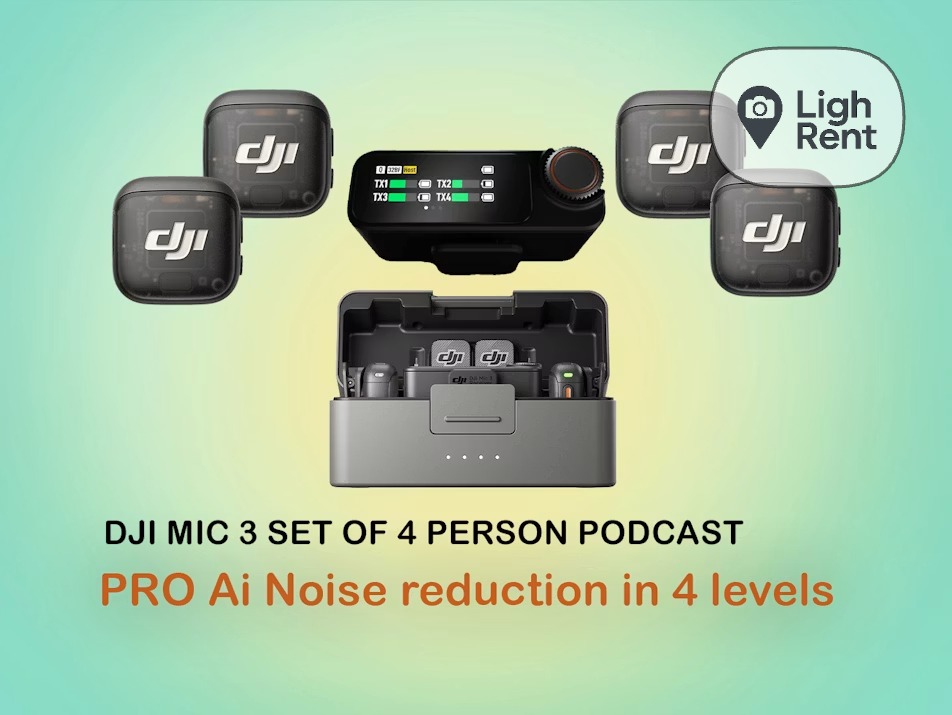
The DJI Mic 3 is a good fit for podcasts. According to the DJI Mic 3 specs, it offers up to 43.0 hours of 32-bit float internal recording (single file), a maximum transmission distance of 400 m, and a 16 g transmitter (with magnet). For a podcast, the useful parts are these:
- Internal recording. Each transmitter can record its own backup. If the wireless link drops for a moment, you still have the audio.
- 32-bit float. This gives you far more room to fix levels after the fact, so a guest who suddenly laughs loudly is much less likely to ruin a take. If you are recording into a phone, our guide to DJI Mic 3 32-bit float on iPhone explains how it works in practice.
- A light transmitter with a magnet. It clips on without pulling at thin shirts, and guests forget it is there.
- Range. You will never use the full distance at a table, but the headroom helps the link stay steady in a busy room.
For a hands-on view of how the mic performs, the Digital Camera World DJI Mic 3 review is worth a read before you book.
On LighRent, these mic kits are available to hire:
- SwainUK's DJI Mic 3 set of 4 podcast kit, from £44 a day (listing price on 15 Nov 2026; prices can change). This covers a panel of up to four voices.
- SwainUK's DJI Mic 3 Pro 4-person podcast kit, a fuller package for a four-person show. Check the listing for what is included and the current price.
A few habits make a big difference. Clip each mic in the middle of the chest, roughly the same distance from every speaker's mouth. Keep it away from necklaces, lanyards and zips. Ask each guest to talk at their normal volume before you start and set levels to that, not to a polite hello.
Cameras: two angles minimum
A single locked-off shot of a table gets tiring fast. Two angles let you cut between a wide shot that shows everyone and a closer shot of whoever is speaking. That cut is what makes a video podcast feel produced rather than recorded on a laptop.
For a two-person show, the simplest layout is a wide shot from the front plus a close shot of the guest. Better still, put one camera on each speaker, angled slightly across the table, so you can cut back and forth as they talk. For a panel, keep a wide master shot and add close angles for each side of the table.
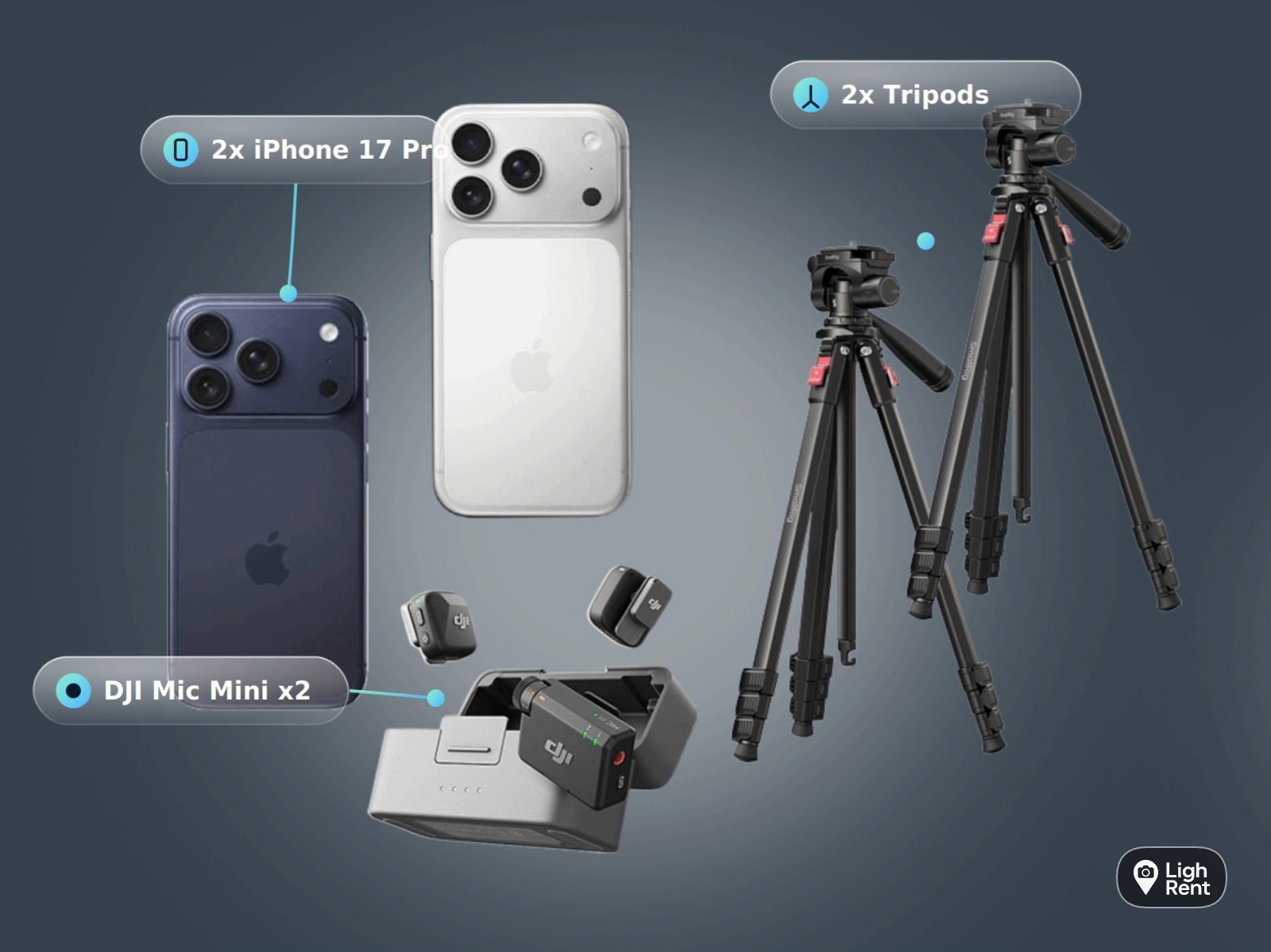
You do not need cinema cameras to do this. Modern iPhones record clean, sharp video, and they are small enough to sit on a table without intimidating guests. SwainUK's two-iPhone podcast kit with DJI Mic Mini is built for exactly this, from £112 a day (listing price on 15 Nov 2026; prices can change). It gives you two angles and wireless mics in one booking, which suits a two-person interview show. If you would rather add phones to a mic kit you already have, see the options for iPhone hire in London.
Whatever you shoot on, set it up the same way on every device:
- Lock exposure and focus. Otherwise the picture will pump every time someone leans in or moves a hand.
- Match settings across cameras. Use the same frame rate and colour settings on every angle so the cuts look consistent.
- Decide on shape early. Shoot landscape for a full-length episode on video platforms. If clips will go vertical on social media, frame with space so you can crop later.
- Keep them steady. Use table tripods or stands, not a stack of books.
- Watch the eyelines. Place close cameras near the person each guest is talking to, so they look natural rather than staring past the lens.
Light the table, not the room
Office ceiling lights point straight down. They put shadows in eye sockets and make everyone look tired. Window light changes as clouds pass, which shows up as jumps between angles. A video podcast needs light you control.
The good news is that you only need to light the table and the faces around it, not the whole room. A small soft light on each side, set slightly above eye level and angled towards the speakers, does most of the work. Soft, even light flatters skin and keeps the look the same from the first minute to the last.
Some simple rules:
- Turn off what you can. Switch off overhead lights directly above the table if possible, or at least match your light colour to them.
- Keep windows to the side, not behind. A bright window behind a guest turns them into a silhouette.
- Add a little background light. A lamp or a small light on the wall or shelf behind the speakers adds depth and separates them from the background.
- Check every angle. A light that looks great from the wide shot can glare in a close shot or reflect in glasses.
If you want lights and audio together for a smaller setup, the social media lighting and audio kit is a compact option. For more lighting choices in north London, browse camera and lighting hire in Finsbury Park.
Power, storage and a run sheet
Most pop-up podcasts that go wrong do not fail on picture or sound. They fail because a phone runs out of battery or storage halfway through the best part of the conversation. A little planning avoids that.
Power
Charge every mic, receiver, phone and light the night before. On the day, find the mains sockets before you choose where the table goes, and bring an extension lead so you are not stuck with a bad background. Where you can, run phones and lights from mains power rather than relying on batteries alone.
Storage
Video eats storage. Clear the phones or cards before the session and check the free space on each one. Remember the backup recordings on the mics too. The DJI Mic 3's internal recording time is long enough that it is unlikely to run out during a normal session, but you still need to offload those files before your next booking. After recording, copy everything to a laptop and a second drive before you return the kit.
A simple run sheet
A short run sheet keeps the session calm, especially if this is your first episode:
- Arrive early, set the table and pick your angles.
- Place the lights and check each camera picture.
- Mic up every speaker and do a level check at normal talking volume.
- Lock exposure, focus and white balance on every camera.
- Start the mic backup recordings, then the cameras.
- Clap once on camera so you can sync audio and video in the edit.
- Record, keeping an eye on battery and storage at natural breaks.
- Stop everything, check the files play back, then offload them before you pack up.
Hiring kit for the day suits this kind of shoot well. You get gear that is charged and ready, you only pay for the days you record, and you can scale up from a two-person setup to a full panel without buying anything. SwainUK kits are collected from Soho, which makes it easy to pick up in the morning and record across town the same day.
Questions people ask
What equipment do I need to start a video podcast?
You need one wireless mic per speaker, at least two camera angles, soft light on the table and enough power and storage for the session. Phones work well as cameras for a small show. A ready-made option such as the two-iPhone podcast kit with DJI Mic Mini covers mics and cameras in one booking.
How many microphones does a podcast need?
One per person speaking. Separate mics keep each voice clear and give you individual tracks to fix in the edit. For a panel of four, a set such as the DJI Mic 3 set of 4 podcast kit covers everyone.
Can I record a podcast on iPhones?
Yes. Modern iPhones record clean video and are small enough to sit on a table, which keeps guests relaxed. Use two phones for two angles, lock exposure and focus on both, and pair them with wireless mics rather than the built-in microphones.
Do I need lights for a video podcast?
For a consistent look, yes. Ceiling lights cast shadows on faces and window light changes during a session, which shows up between camera angles. A small soft light on each side of the table is usually enough.
Can I hire a podcast kit for one day?
Yes, LighRent listings are priced per day. At the time of writing, SwainUK's DJI Mic 3 set of 4 podcast kit was listed from £44 a day and the two-iPhone podcast kit with DJI Mic Mini from £112 a day. Prices can change, so check the listing before you book.