Guides
Wedding Videography Kit Hire: A Two-Camera Day List
What to hire to film a full wedding day: two matched cameras, lenses for the ceremony and speeches, wireless audio for the vows, a gimbal, and enough cards and batteries to reach the last dance.
 Illustrative image
The short version
On this page8 sections
Filming a wedding is a long day with no second takes. The vows happen once. The speeches run when they run. The light changes from a dim church to a bright garden and back to a dark reception room. This guide covers wedding videography kit hire for a two-camera day: matched bodies, fast lenses, wireless audio for vows and speeches, a gimbal, and the power and storage to get you through to the last dance.
Most kit lists assume you already own a full bag. Many people do not. You might be a photographer adding video, a videographer whose second body is in for repair, or a friend who has agreed to film a family wedding. Wedding video equipment hire fills the gaps without buying kit you will use a handful of times. Start with camera hire in London to compare bodies, then build the rest of the kit around them.
Two cameras, matched
Wedding videographers usually run at least two cameras. One sits wide on a tripod and stays locked off for the whole ceremony. The other moves: close-ups of the couple, the rings, reactions from the front row. If the moving camera misses a moment, the wide shot saves the edit.
The important word is matched. Footage from different brands, or from different colour profiles, can take hours to grade so the cuts look seamless. Pairing two Sony full-frame bodies is sensible. The colour science is shared, the menus behave the same, and you can copy settings across quickly.
Main camera: Sony FX3
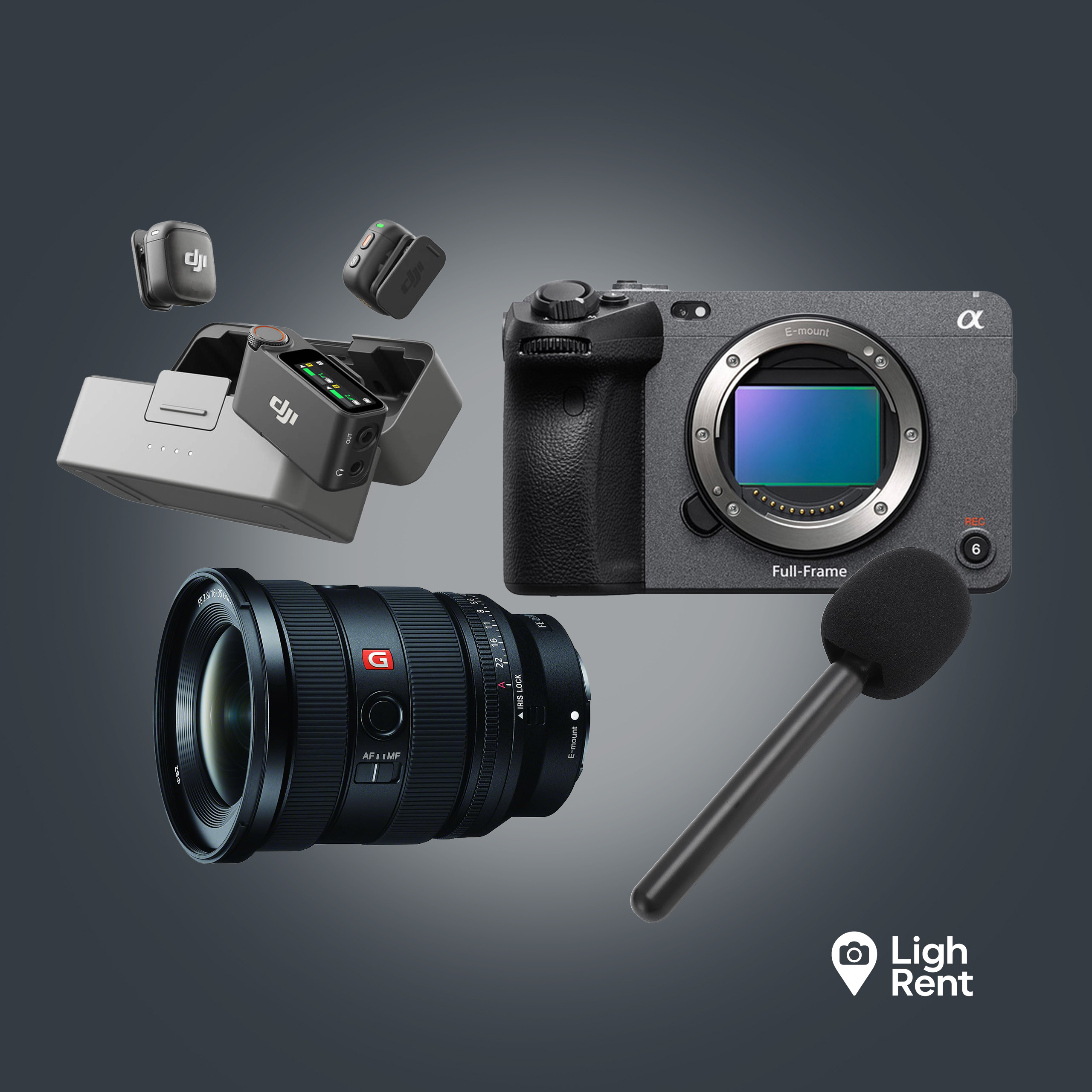
The Sony FX3 is built for video. According to B&H's Sony FX3 specifications, it has a full-frame 12.1MP sensor (10.2MP effective for video), records 4K up to 120p and 10-bit 4:2:2 internally, and offers S-Cinetone, S-Log3 and HLG. For weddings, S-Cinetone gives pleasing skin tones straight out of the camera, which helps when the couple wants a quick highlight film. S-Log3 gives more room in the grade if you have time to colour properly. Slow motion at 120p suits confetti, the walk down the aisle and the first dance.
SwainUK lists a Sony FX3 with 16-35mm GM and DJI Mic 3 kit on LighRent. It covers the main camera, a wide lens and wireless audio in one booking, which keeps the hire simple.
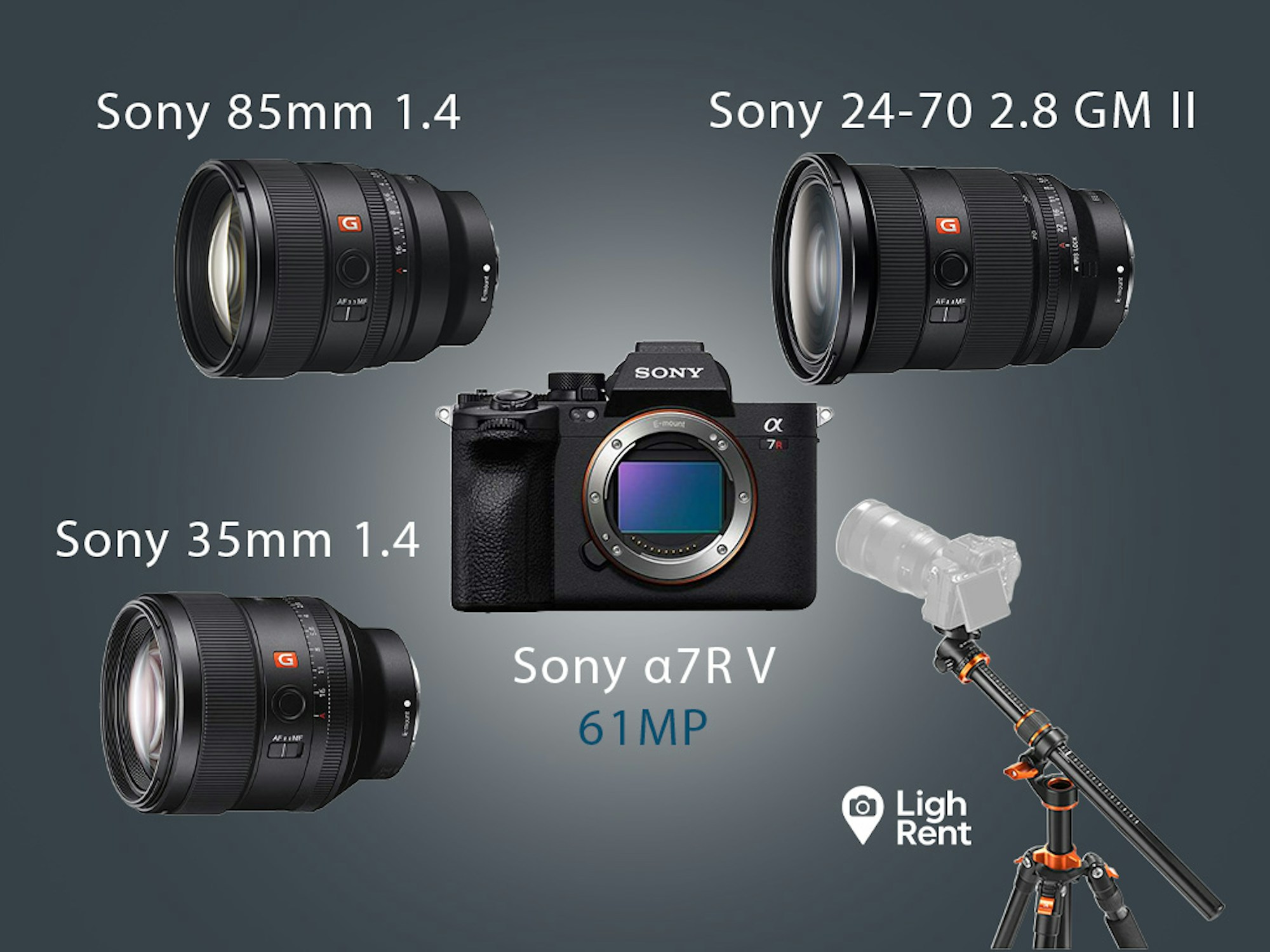
Second camera: Sony A7R V
The second body can do double duty as a stills camera. Imaging Resource's Sony A7R V review notes that it has a 61MP full-frame sensor and records 8K video at 24p, and Sony rates its in-body stabilisation at up to 8 stops. That stabilisation helps when you are handholding at the back of a venue where a tripod will not fit. The high-resolution sensor also lets you grab stills of the couple between video takes. The Sony A7R V wedding and portrait kit from SwainUK suits anyone who wants one body to cover both jobs.
Matching your settings
- Use the same frame rate on both bodies for normal-speed footage.
- Set white balance manually on both cameras rather than leaving it on auto, so colour does not drift between angles.
- Choose picture profiles that grade together. If one camera is in S-Log3 and the other in a standard profile, plan extra time in the edit.
- Sync the clocks on every camera and audio recorder before the day starts. It makes lining up clips much faster.
Lenses for ceremony and speeches
Wedding venues are often darker than they look. Churches, registry offices and barns can be dim, and many ceremonies do not allow flash or extra lighting. Fast lenses with wide maximum apertures let you keep ISO lower and put a soft background behind the couple.
- Wide zoom. The 16-35mm GM in the FX3 kit covers getting-ready rooms, venue establishing shots and a packed dance floor.
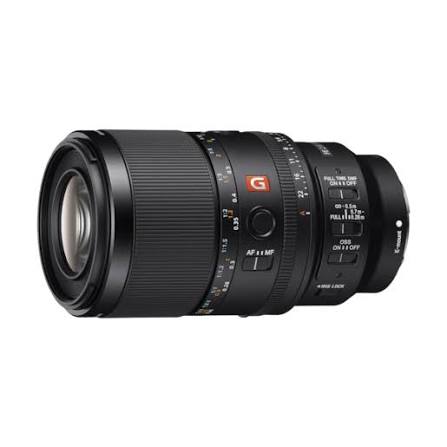
- Telephoto zoom. During the ceremony you often cannot stand close. A telephoto lets the static camera hold a tight shot of the couple from the back or side of the room without anyone noticing you.
- Fast prime. For rings, details and dark receptions, a fast prime gathers more light than a zoom and gives a shallower depth of field.
For speeches, put the telephoto on the locked-off camera aimed at the speaker, and keep a wider lens on the moving camera to catch reactions around the room. Use lens hire in London to add a telephoto or a prime to whichever body you hire. Check the mount before you book: Sony E-mount lenses fit both the FX3 and the A7R V.
Audio for vows and speeches
Viewers forgive a soft shot. They do not forgive vows they cannot hear. A camera microphone picks up the room, the rustle of the guests and the echo of a stone church, not the quiet words between two nervous people. Wireless lavalier mics are the standard answer.
Putting mics on the right people
- A partner at the front: clip a transmitter to a jacket lapel or hide it inside a shirt. At close range it picks up both voices during the vows.
- The officiant: ask permission early. Many celebrants and registrars are happy to wear one, but some venues have their own rules, so check in advance.
- Speeches: clip a transmitter to the microphone stand or lectern, or onto each speaker in turn. If the venue PA is in use you may be able to take a feed from the DJ or sound desk, but always run your own backup too.
DJI Mic 3
The DJI Mic 3 specs list up to 43.0 hours of 32-bit float internal recording (single file), a maximum transmission distance of 400 m, and a 16 g transmitter (with magnet). The 32-bit float recording matters at weddings. Voices swing from a whisper during the vows to laughter and cheering during the speeches, and 32-bit float gives you far more room to recover a level that was set too low or too high. Internal recording also means that if the wireless link drops behind a pillar, the transmitter still holds a clean copy. The light transmitter is easy to hide on a lapel or a dress.
The DJI Mic 3 comes with the FX3 kit mentioned above. If you need more channels, for example the officiant plus both partners, add the DJI Mic 2 full set from SwainUK as a second system. Check the listing for exactly what is in the case before you plan who wears what.

Audio habits that save the edit
- Record a reference track on each camera's built-in mic. It makes syncing simple.
- Start internal recording on the transmitters before the ceremony and leave it running.
- Do a sound check while the couple are getting ready, not at the altar.
- Keep transmitters away from necklaces and brooches that can rub and cause noise.
Gimbal and support
A gimbal turns walking shots into smooth, steady movement: the entrance, the couple walking out, portraits in the grounds. It is worth hiring if your style uses a lot of movement. It is less useful during the ceremony itself, where a tripod or monopod is quieter and less distracting for guests.
The DJI RS 4 Pro combo from SwainUK is DJI's larger stabiliser, aimed at heavier mirrorless and cinema setups, so it suits a body like the FX3 with a zoom attached. Balance it at home the night before with the exact lens you plan to use. Rebalancing in a hurry between the church and the reception is where shots get missed. For other models, see gimbal hire in London.
Support for the rest of the day:
- Tripod with a fluid head for the wide ceremony camera and the speeches.
- Monopod for the moving camera in tight aisles and crowded rooms.
- Quick-release plates on every body, so you can move between gimbal, tripod and monopod without fiddling.
Plan when you switch. A common pattern is gimbal for preparations and arrivals, tripod and monopod for the ceremony, gimbal for portraits and confetti, tripods for the speeches, then gimbal or handheld for the first dance.
Cards, batteries and backups
A wedding runs from morning preparations to the evening party. That is a long time for batteries, and power planning is the part most kit lists skip.
Power
- Count batteries by running time, not by habit. Video drains batteries faster than stills, especially in 4K and at high frame rates. Ask the owner how long a battery lasts in practice, or test it the evening before.
- Bring enough for every body to run without charging until the meal, then top up while guests eat.
- Check whether your hired bodies share a battery type. If they do, every spare works in either camera.
- Pack a multi-bay charger and an extension lead, and ask the venue where you can plug in safely.
- Charge the gimbal and the mic charging cases fully. The cases can top up transmitters between the ceremony and the speeches.
- Carry a USB power bank to keep a gimbal or mic case going when mains power is out of reach.
Cards
- Use fast, reliable cards rated for the format you shoot. Recording 10-bit 4:2:2 at high frame rates needs quicker cards than standard settings, so check the camera manual for supported card types.
- If a camera has more than one card slot, record to both during the ceremony for an instant backup.
- Label cards by camera and keep full ones in a separate, closed pouch.
- Never format a card at the venue unless its footage is already on more than one drive.
Backups
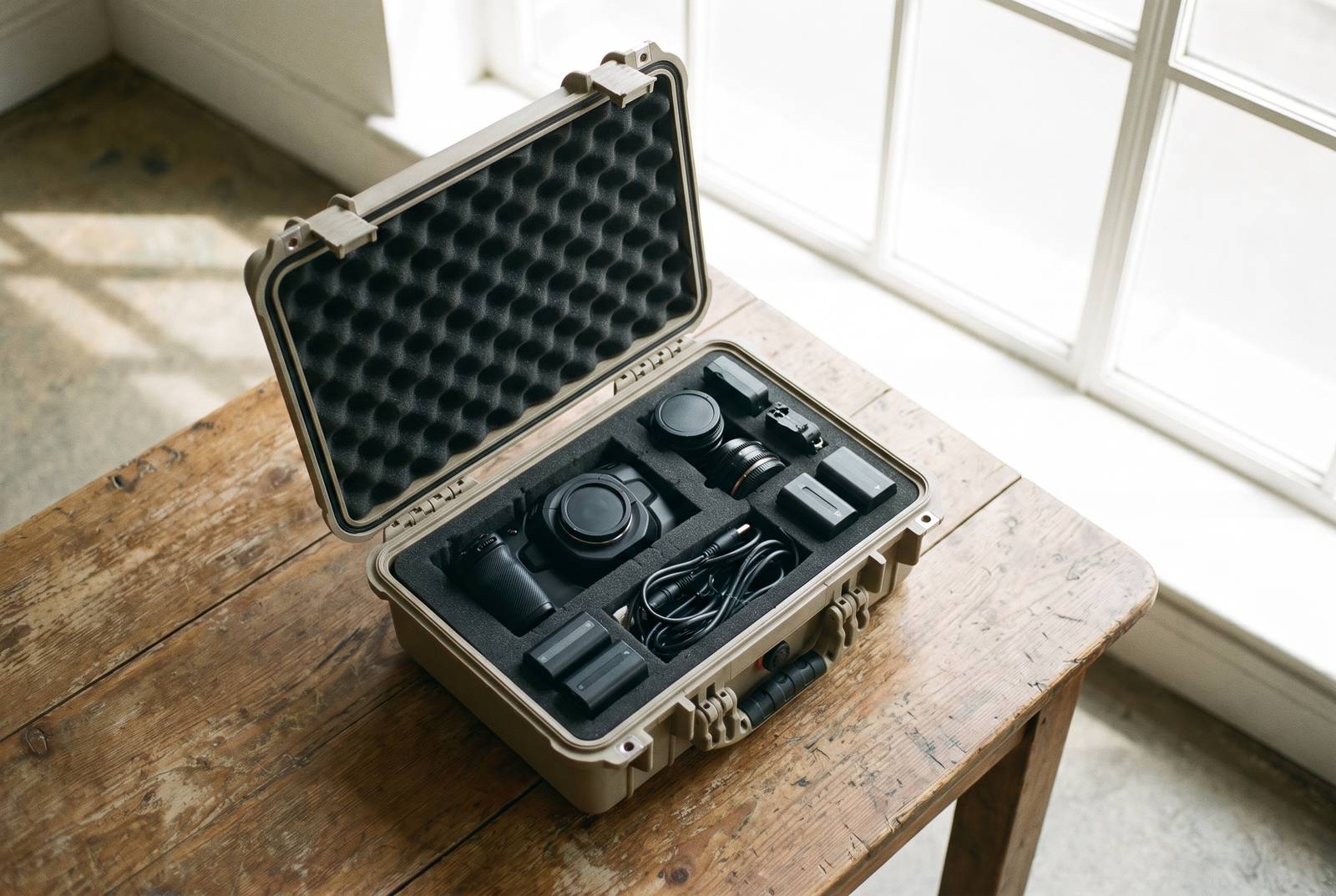
Treat the day as unrepeatable, because it is. Bring a laptop and a portable drive and offload cards during the meal. Your second camera is also your backup body: if the main camera fails, the other one takes over the key moments. Keep a spare wireless channel ready in case a transmitter goes flat or is forgotten in a coat pocket.
Hire timing: collect the day before
Collect wedding kit the day before, not on the morning. Weddings often start early with preparations, and you need an evening to check everything works together.
- Book early. Wedding season weekends are busy and popular kits go first.
- Collect the day before. The SwainUK kits pictured in this guide are collected from Soho.
- Check at handover. The owner enters your collection code to start the rental. Add condition photos to the booking as evidence before you leave.
- Test that evening. Power on both bodies, format cards in camera, pair the mics, balance the gimbal and charge every battery.
- Return on time. You get a reminder email 3 hours before the kit is due back. If the party runs late, book the hire so the return falls the following day and you are not rushing after a long shoot.
Your wedding videographer kit list
Use this as a checklist when you hire a camera for a wedding and the kit around it. Whether you need full wedding camera hire in the UK or just a missing piece, tick each line before collection day.
| Item | Job on the day | Hire option |
|---|---|---|
| Main camera | Moving shots, slow motion, ceremony close-ups | Sony FX3 with 16-35mm GM and DJI Mic 3 kit |
| Second camera | Locked-off wide, stills between takes | Sony A7R V wedding and portrait kit |
| Lenses | Wide, telephoto for the ceremony, fast prime for low light | 16-35mm GM in the FX3 kit, plus a telephoto or prime |
| Wireless audio | Vows, officiant, speeches | DJI Mic 3 in the FX3 kit, DJI Mic 2 full set for extra channels |
| Gimbal | Entrances, portraits, first dance | DJI RS 4 Pro combo |
| Support | Static ceremony and speech angles | Tripod with fluid head, monopod |
| Power | Running every device until the last dance | Spare batteries, multi-bay charger, power bank, extension lead |
| Storage | Recording and backup | Fast cards, laptop, portable drive |
Get the audio right, keep both cameras matched, and plan power for the whole day. Those are the decisions that decide whether the film works, far more than any single piece of kit.
Questions people ask
What camera kit do I need to film a wedding?
At minimum you need two matched camera bodies, a wide lens, a telephoto for the ceremony and a fast lens for dark rooms. Add wireless lavalier mics for the vows and speeches, a tripod, a gimbal if you shoot movement, plus plenty of cards and batteries. Hiring lets you fill any of these gaps without buying.
How many cameras do wedding videographers use?
Most use at least two. One stays wide and locked off on a tripod during the ceremony and speeches, while the other moves for close-ups and reactions. Matching the bodies, ideally from the same brand, makes colour grading much easier.
How do I record wedding vows audio?
Clip a wireless lavalier transmitter on one of the couple, and on the officiant if they agree. Use a system with internal recording, such as the DJI Mic 3 with 32-bit float, so you have a clean backup if the wireless link drops. Always record a reference track on each camera too.
Should I hire a gimbal for a wedding?
Hire one if your style uses walking shots, such as entrances, portraits and the first dance. During the ceremony and speeches a tripod or monopod is quieter and less distracting. Balance the gimbal the night before with the lens you will actually use.
When should I collect hired wedding kit?
Collect it the day before the wedding. That gives you an evening to charge every battery, pair the mics, format cards and balance the gimbal. Add condition photos to the booking at handover, and watch for the reminder email 3 hours before the kit is due back.